Does Pawfetti work without internet?
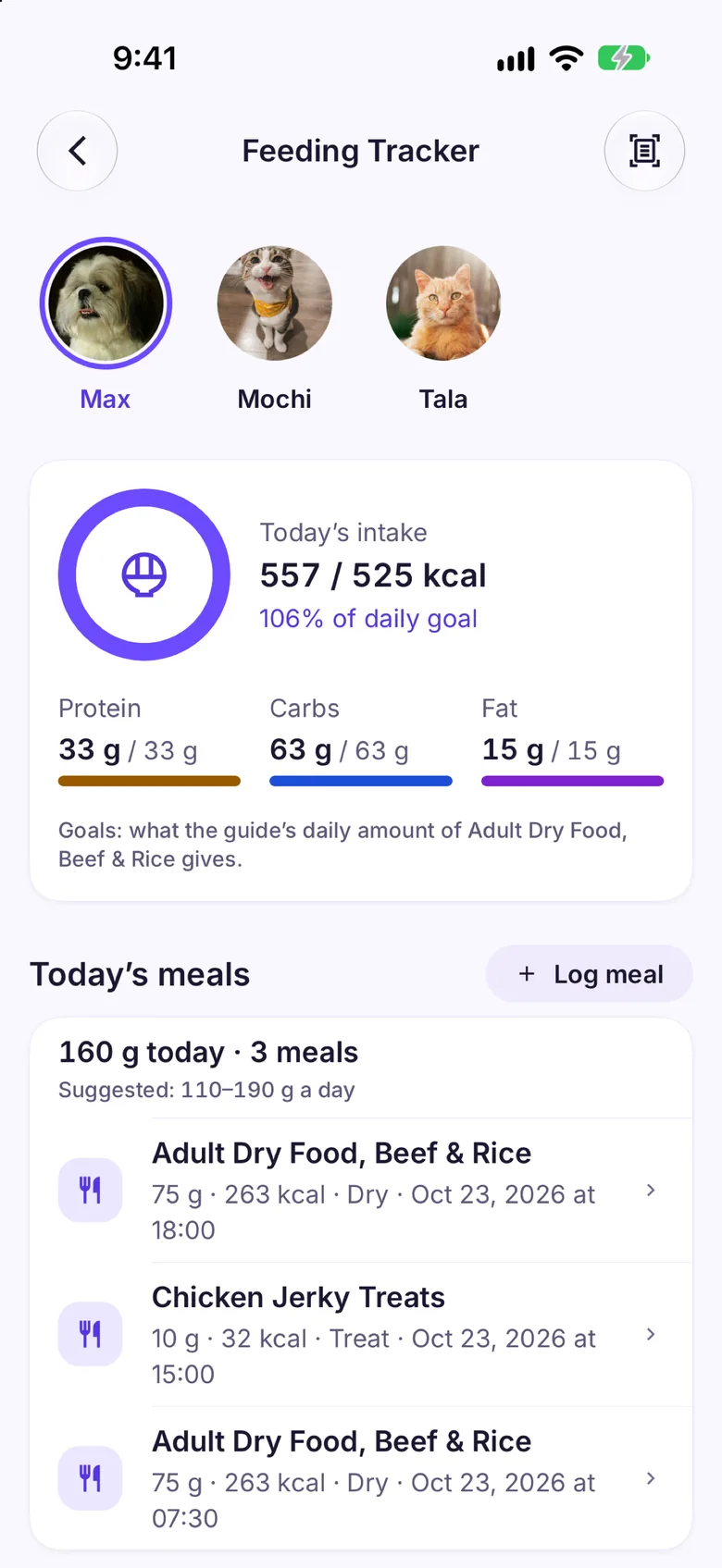
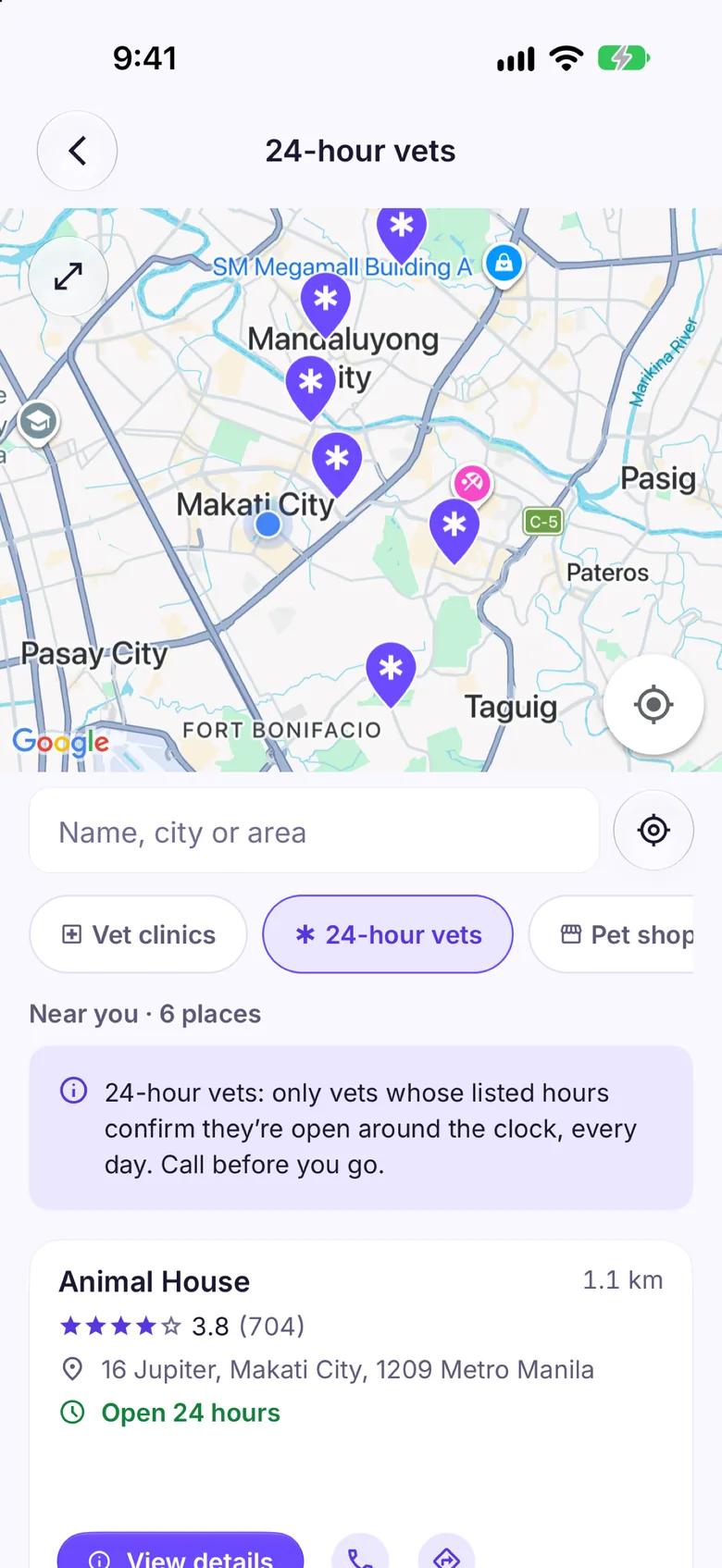
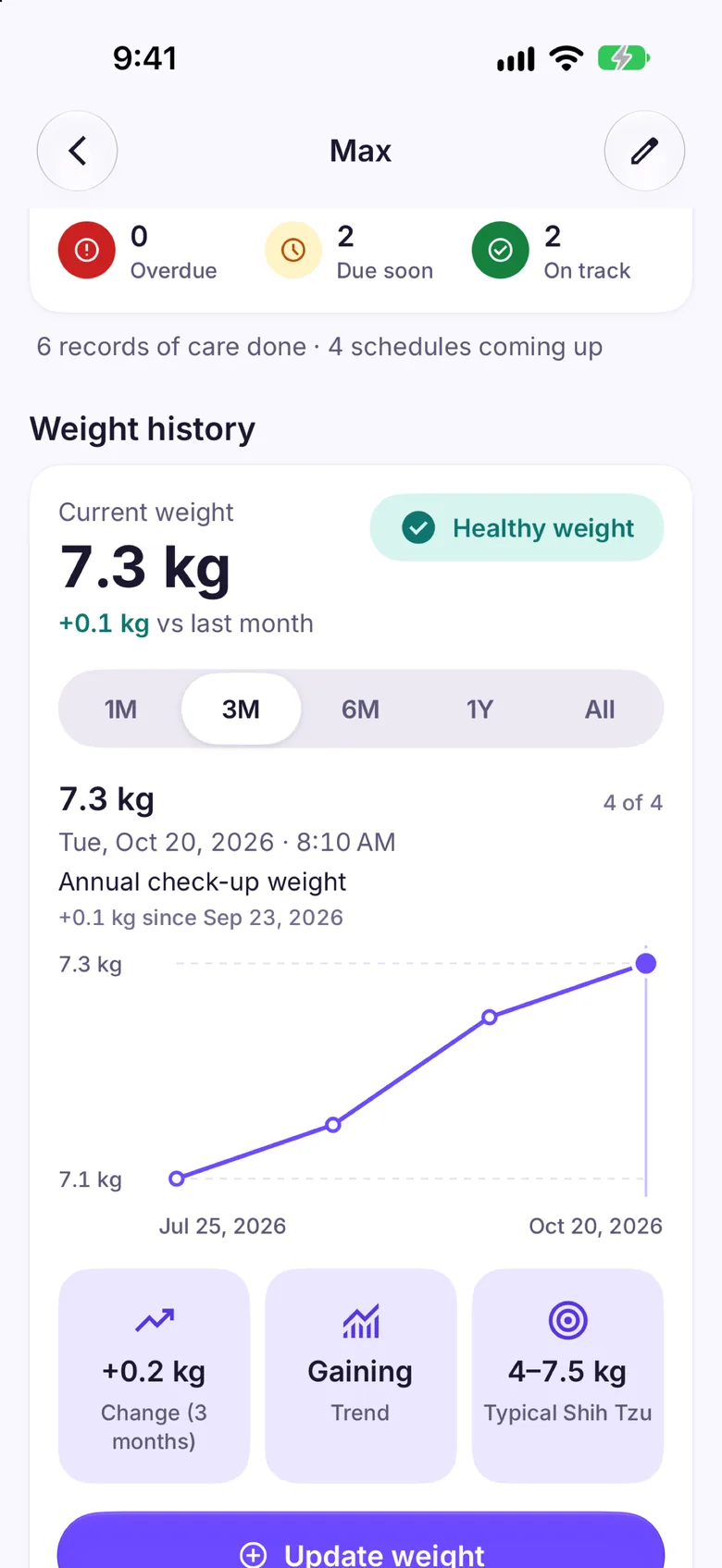
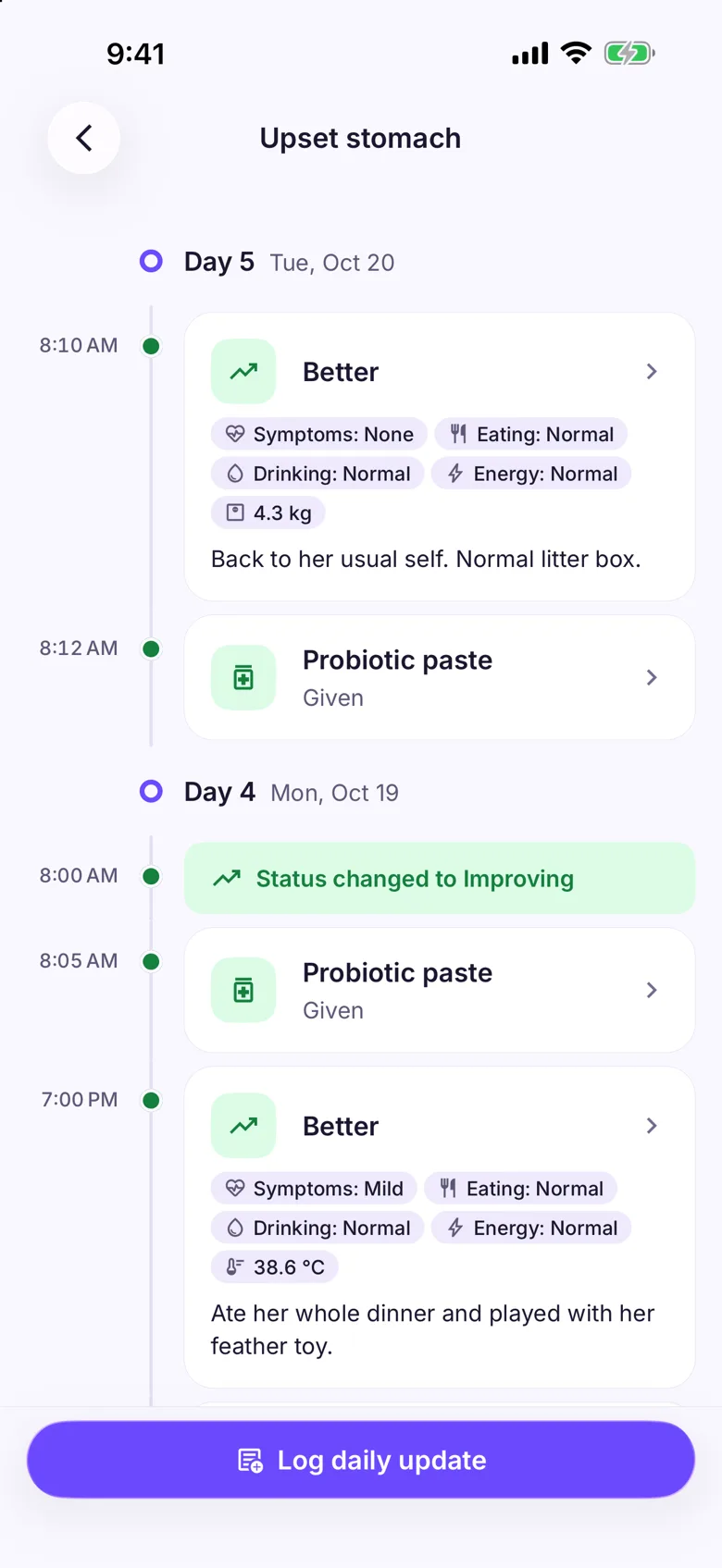
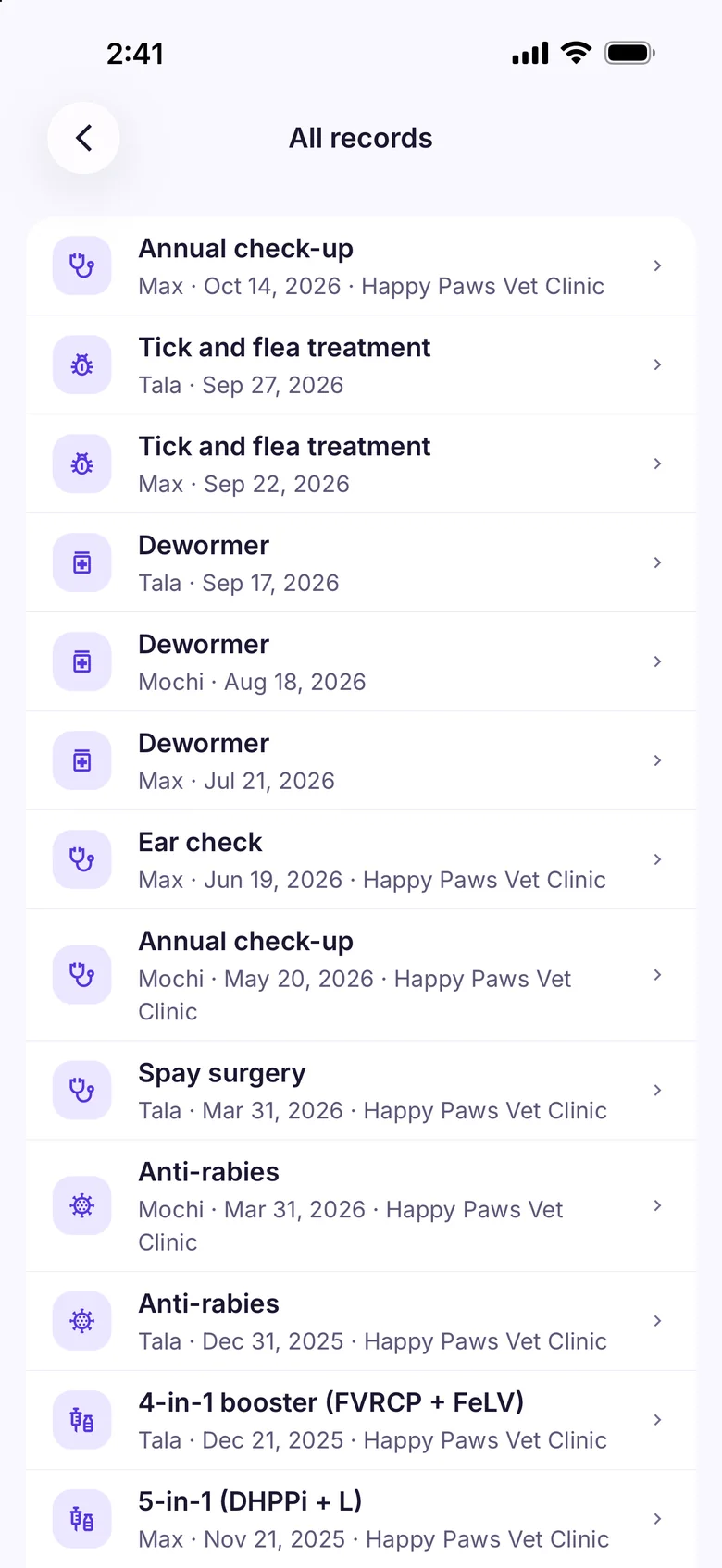
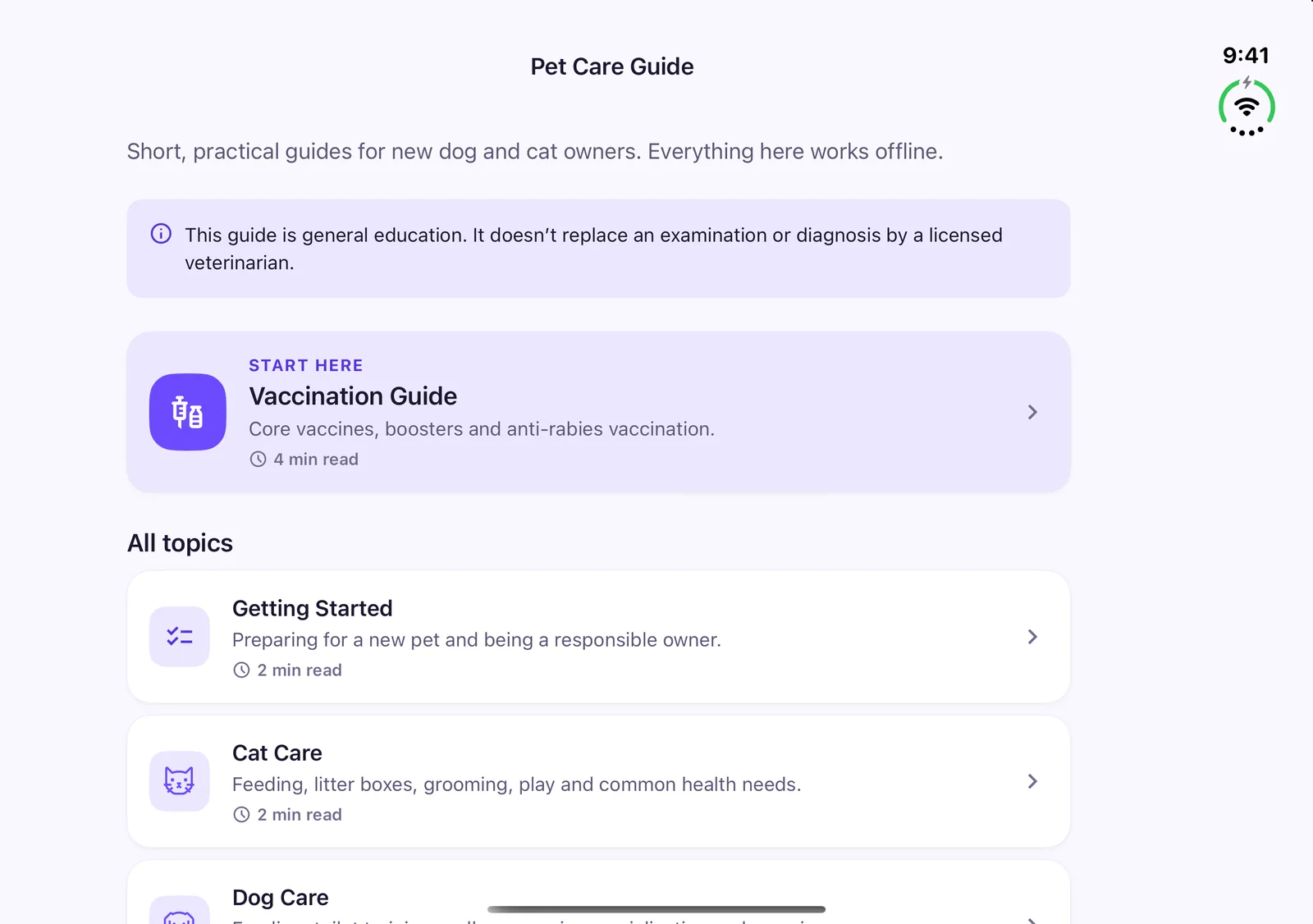
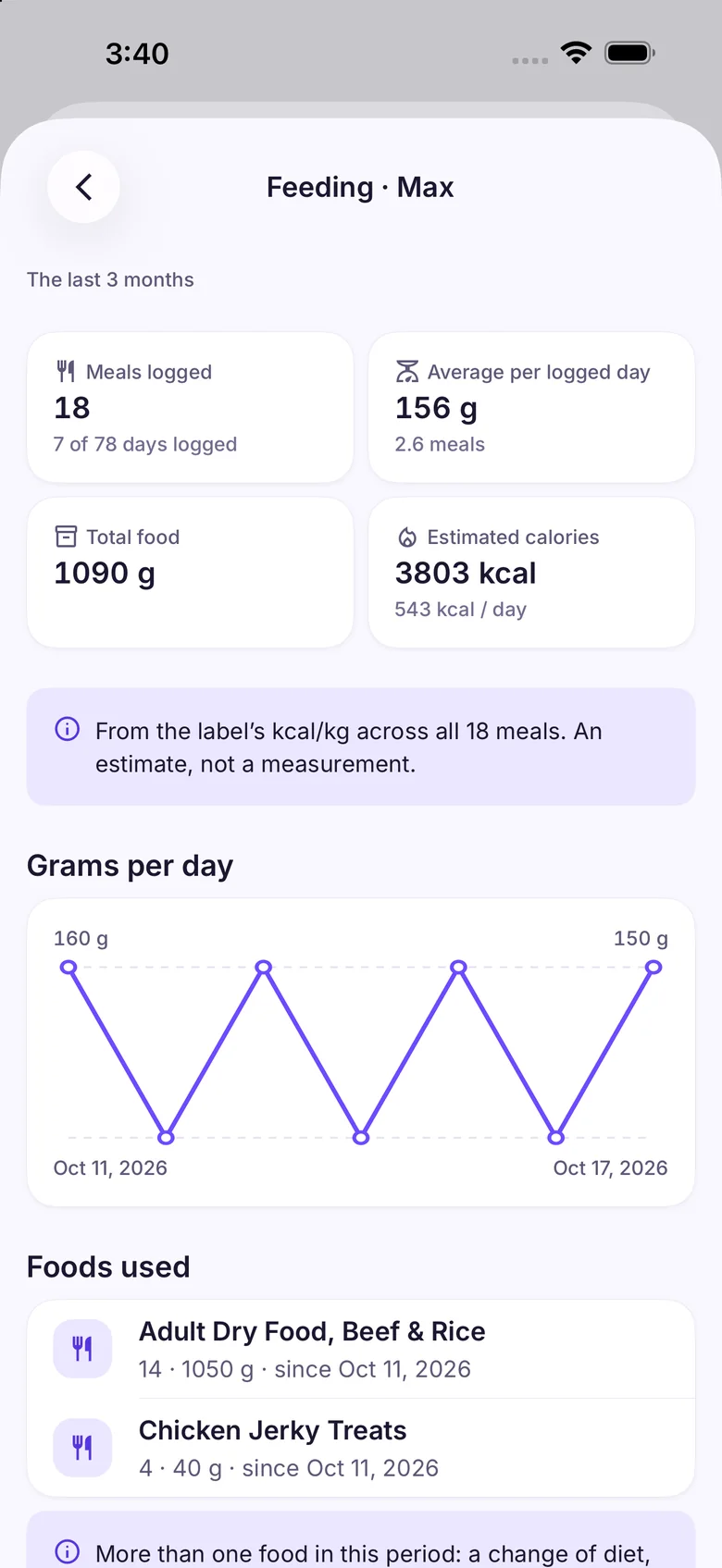
Yes. Your pets’ profiles, health records, schedules, reminders, weights and expenses all live on your phone, so they work with no signal at all, and so does scanning receipts and vaccination cards, which are read on the phone. So do the Feeding Tracker, and what Pro adds on the phone: medicine doses and walks, which record with no signal too, though the map behind a route needs a connection to draw. Only Sam, Pro’s photo checks, Find a Vet and backups to iCloud or Google Drive need a connection.
Which pets can I add?
Dogs and cats. Breed lists come bundled, with popular breeds first, and a mix can keep several breeds. Any name you type is accepted.
Where do the reminders come from?
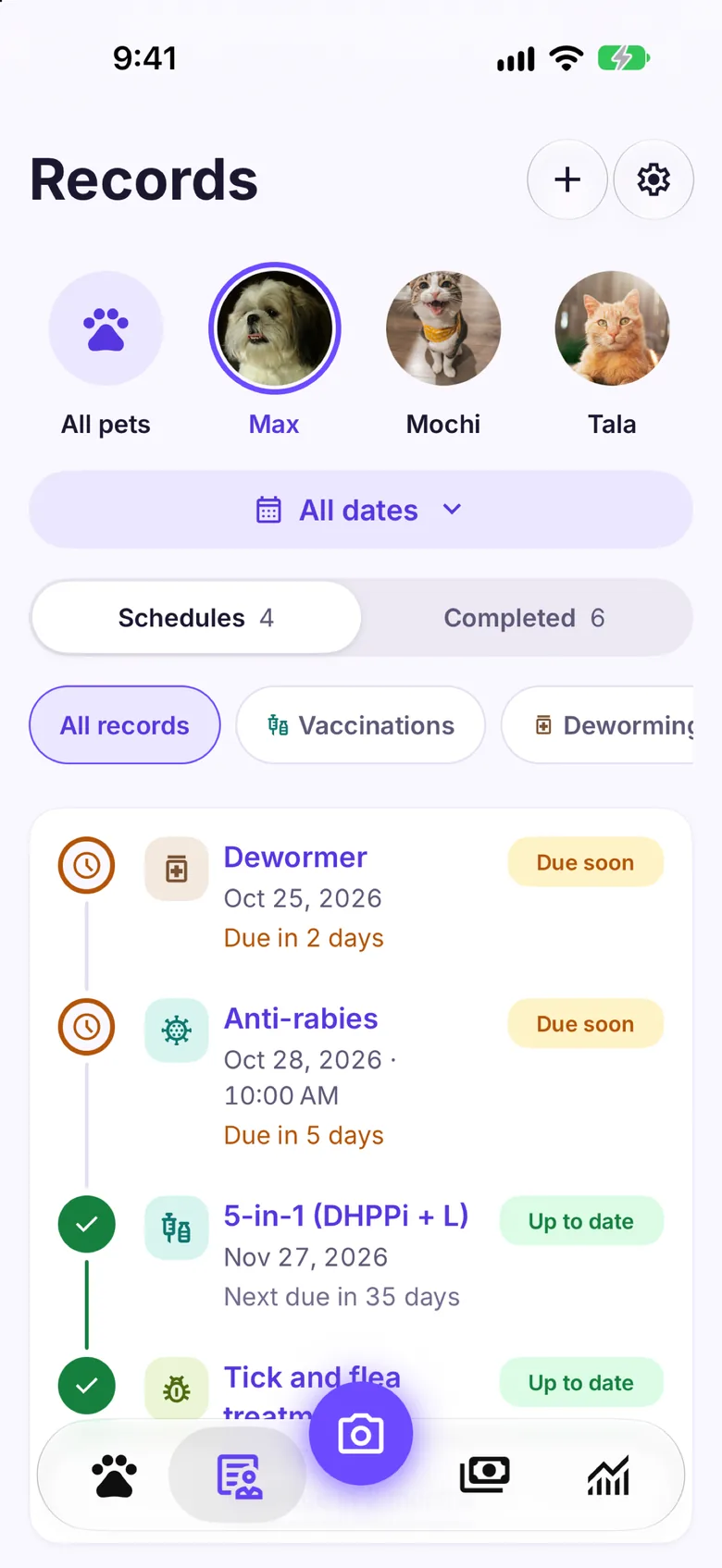
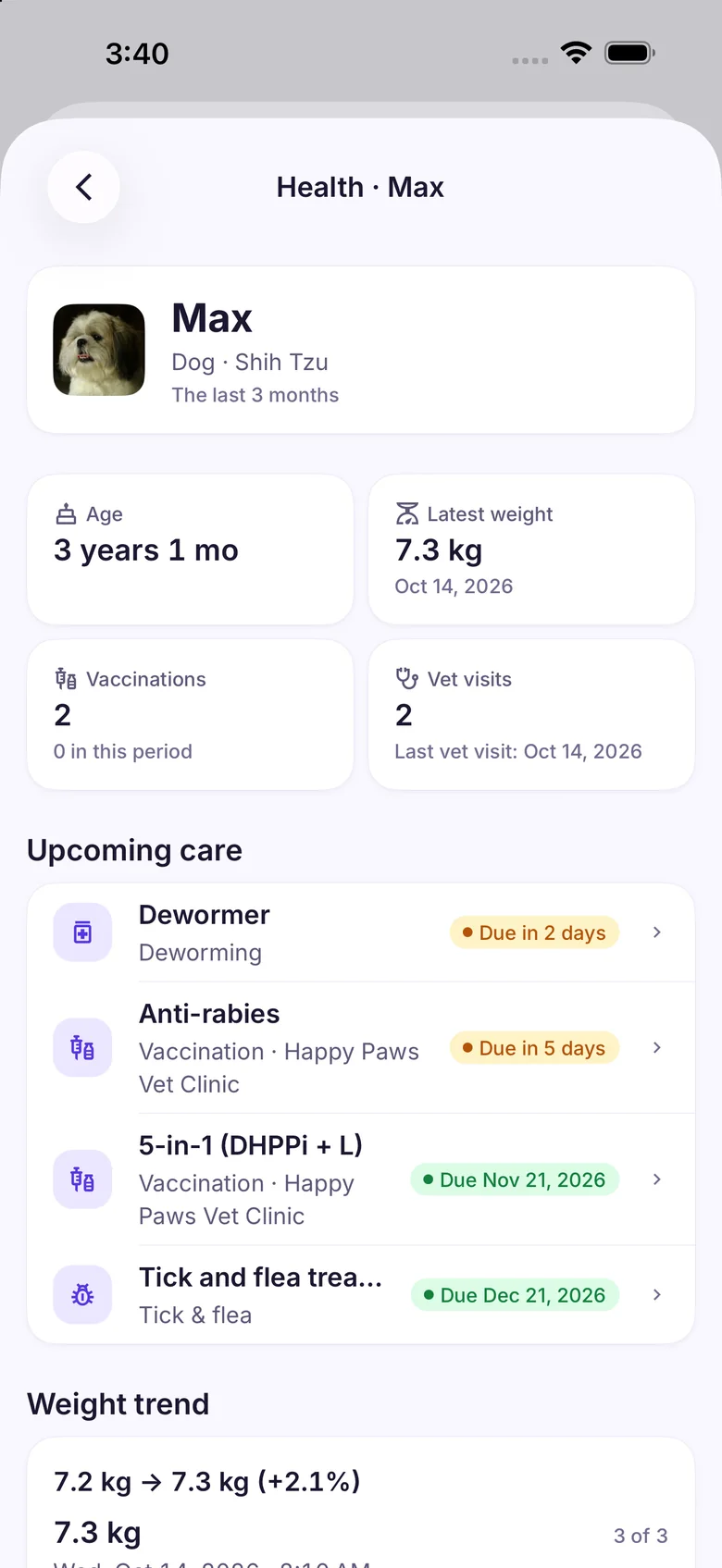
From you. When your vet writes a next date for a vaccine, deworming, a tick and flea treatment, a visit or a medicine, you add it as a schedule and Pawfetti reminds you before it’s due, then nudges you if it slips. Pawfetti never invents a schedule or gives medical advice.
Can I keep more than one pet?
Your first two pets are free, with everything recorded for them. More pets are part of Pawfetti Pro. If Pro ends, those pets stay safe on your phone, locked, and open again with Pro; nothing is deleted.
Who is Sam?
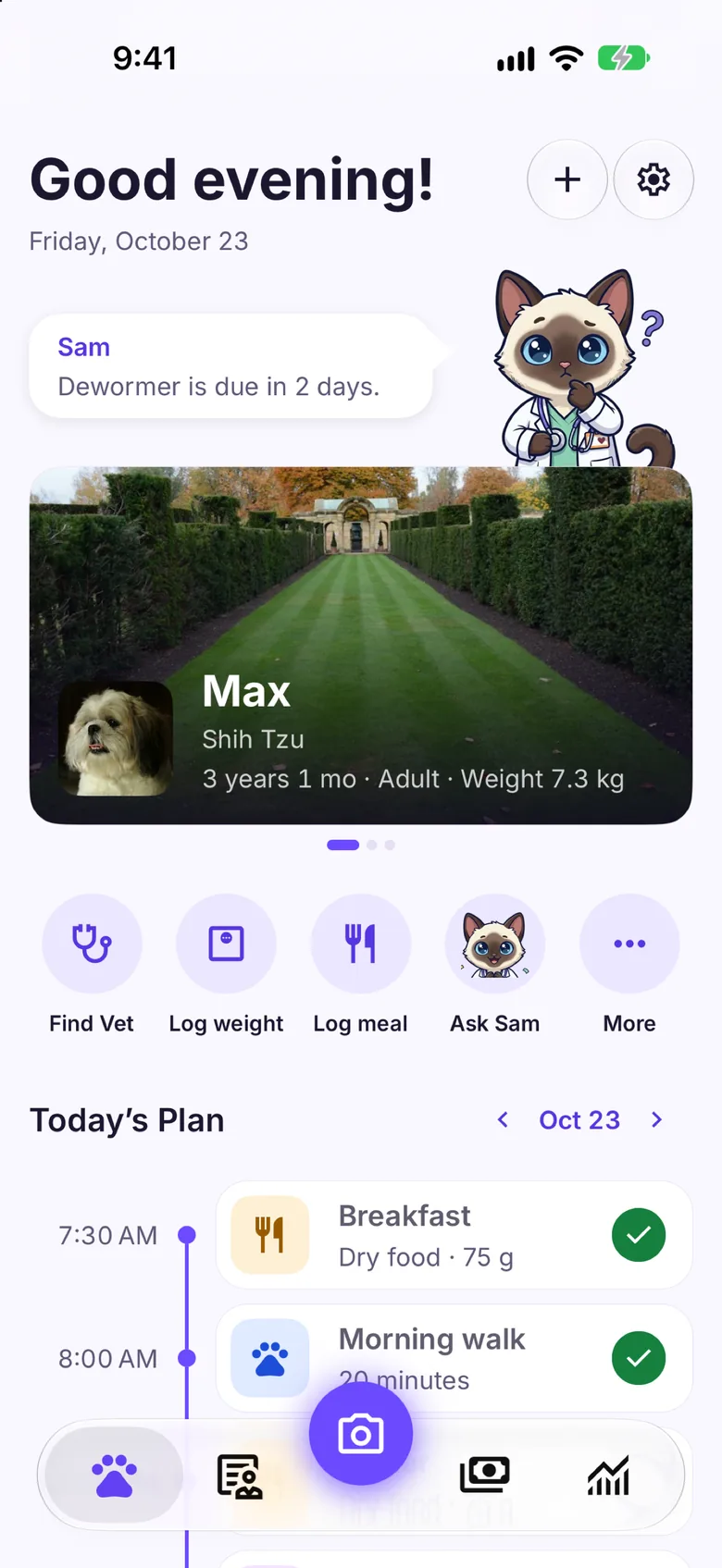
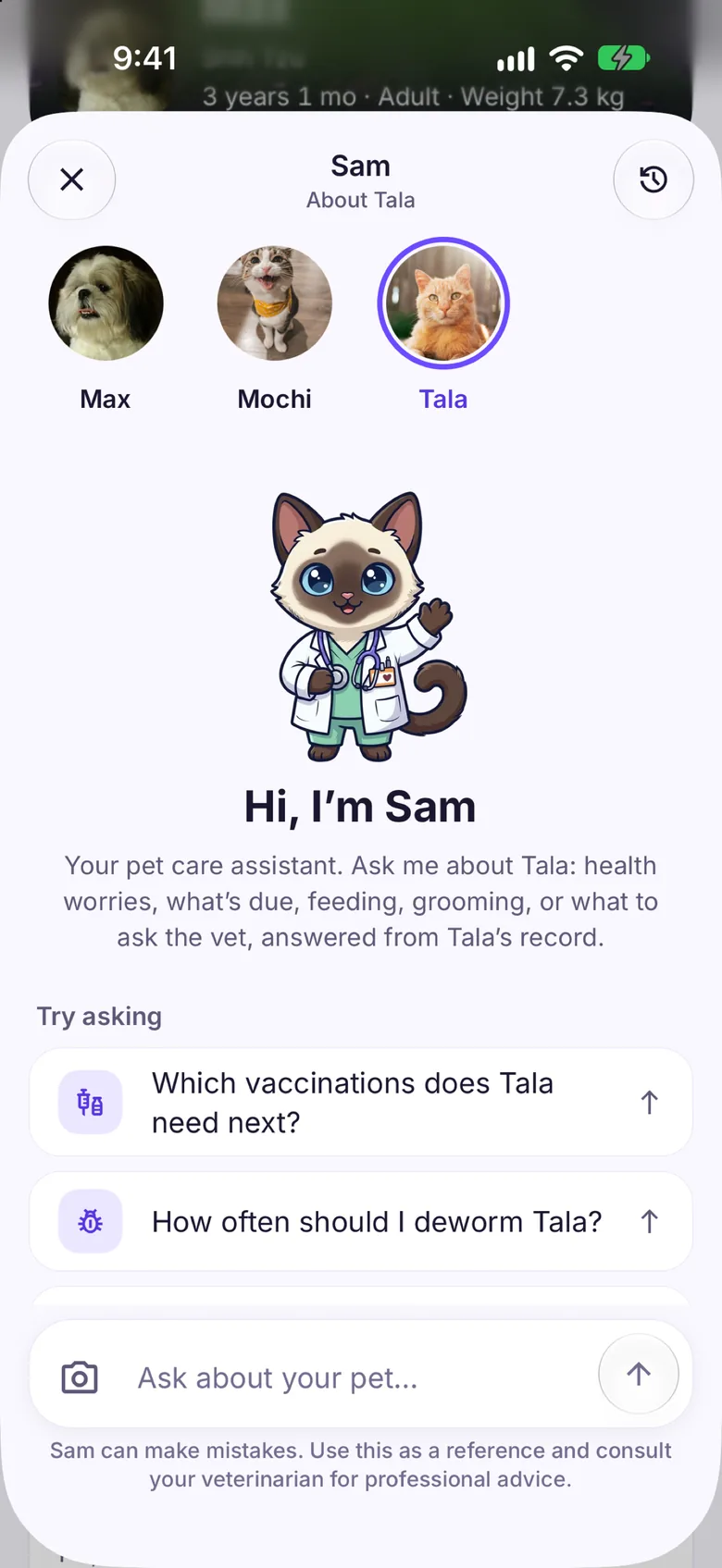
Sam is Pawfetti’s Siamese kitten in a vet’s coat, and your AI pet-care assistant. Ask about your dog or cat and Sam answers with your pet’s own record in mind. Sam needs internet, gives you 3 new chats a day on Free (follow-up questions in a chat are free) and unlimited AI access with Pro (fair use), and talks dogs and cats only. Sam can make mistakes. Consult a veterinarian for professional advice.
What can I scan?
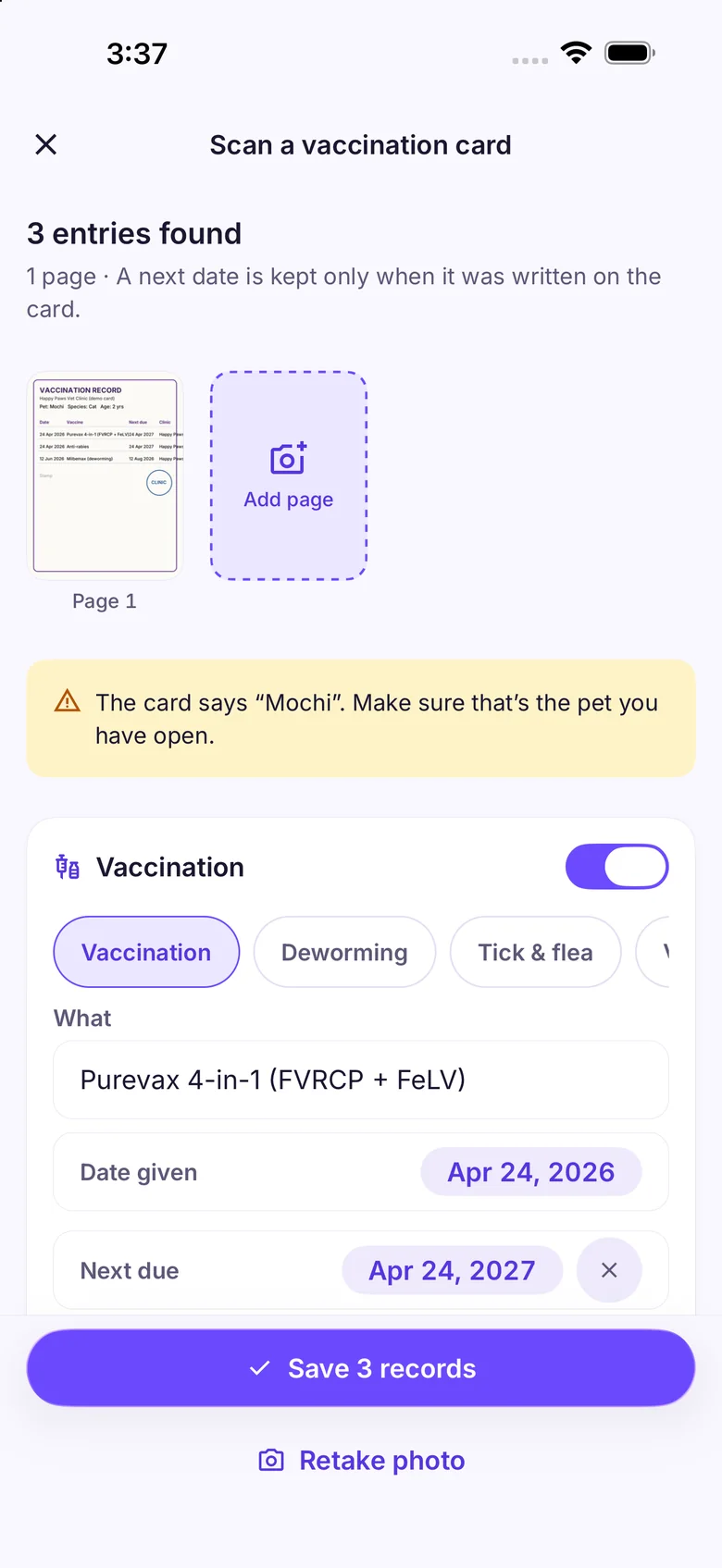
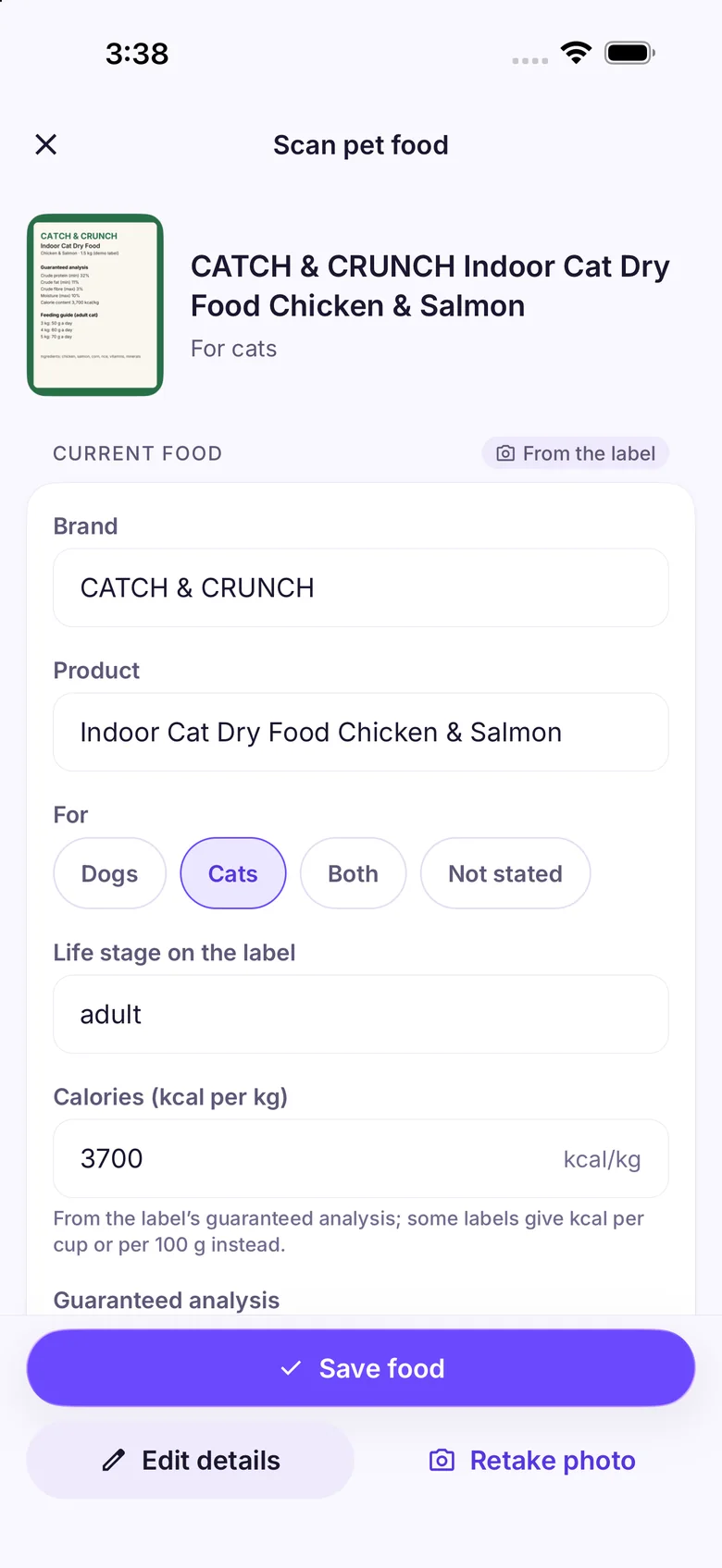
Receipts (filed as expenses) and vaccination cards and vet booklets (every entry becomes a record, pages at a time) are read on your phone: free, with no limit, even offline. Pet food labels (calories and the feeding table) are read on your phone too, free, for the Feeding Tracker. With Pro, Sam also reads medicine and vaccine labels, names a breed from a photo, and describes a photo of your pet when something looks wrong, without diagnosing. Everything is shown for you to check before it’s saved.
Can I back up Pawfetti, or share it with family?
Yes. Pawfetti can back up on its own to your iCloud on iPhone or Google Drive on Android, switched on in Settings → Backup & Restore, and on a new phone it offers the newest backup the first time it opens: free, along with restoring. Making a backup file you save anywhere yourself is part of Pro. Backups go to your own account, never to us. To care for pets together with the people you live with, use Family Sharing (below).
How does Family Sharing work?
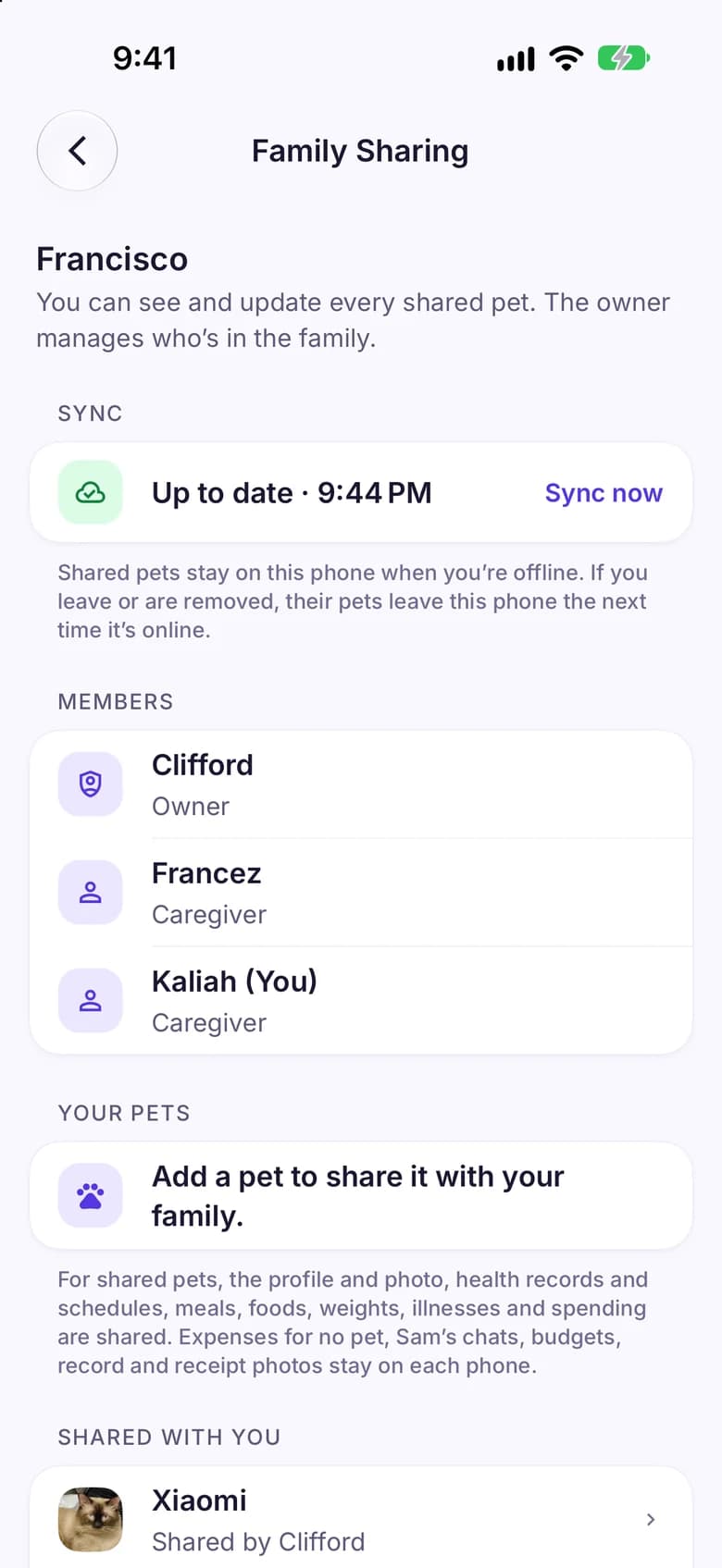
Start a family in Settings → Family Sharing (Pro) and show its invite QR. Your partner, parents or housemates scan it in Pawfetti on their phone and join at once, for free, with no sign-up. You choose which pets to share. Everyone in the family then sees and updates those pets: their profile and photo, records and schedules, weights, illnesses and medicines, and their expenses, even offline; changes reach the other phones when they’re online. Meals and foods sync too, and so do medicine doses and journal entries, which show on phones that have Pro, since Medicine doses and the Journal are Pro features. The owner can remove someone, anyone else can leave, and each person always keeps their own pets on their phone.
What does the lost-pet poster print?
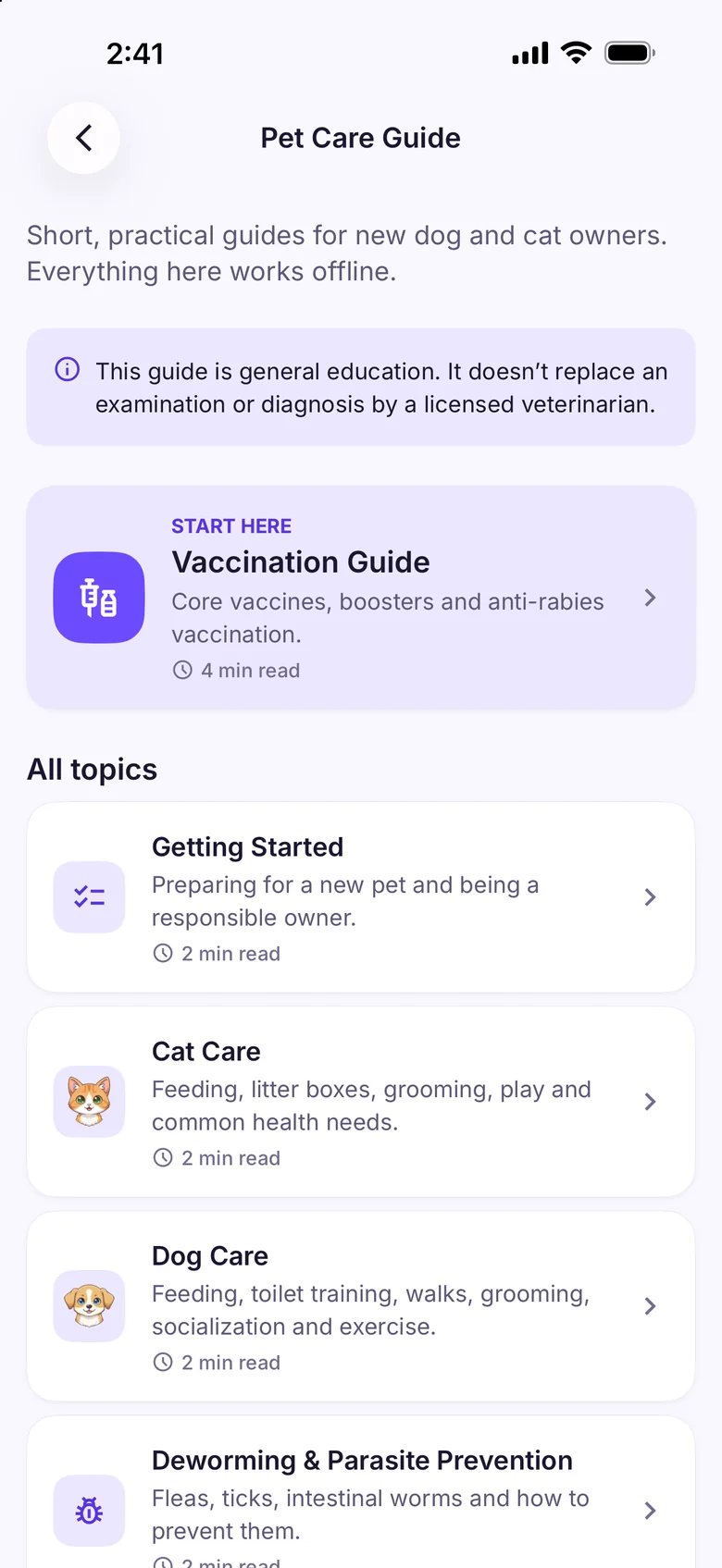
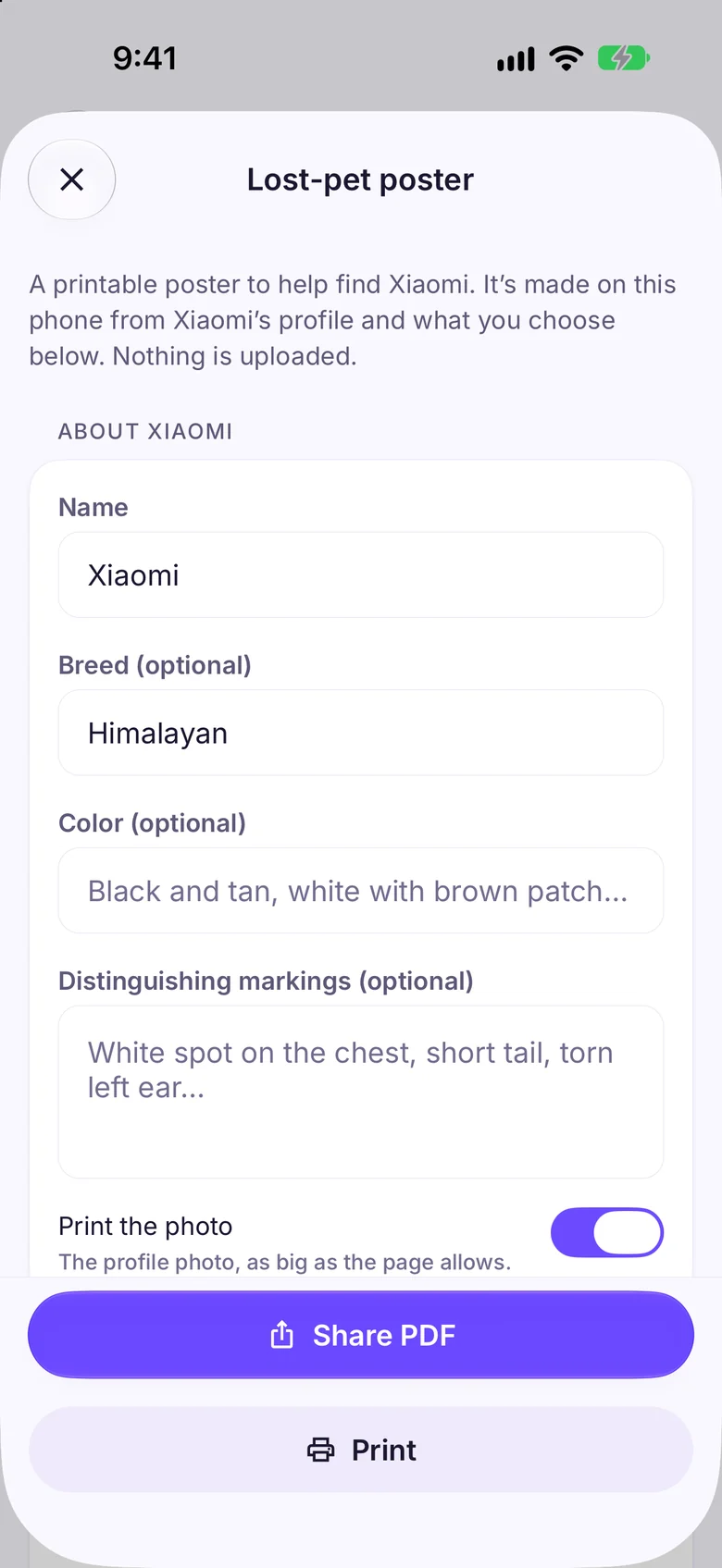
Exactly what you see under “What will be printed” before you make it: your pet’s photo, name, breed, color and markings, and only what you add, such as where and when they were last seen, a reward, your contact details or the microchip number. Without contact details, it asks whoever finds your pet to take them to a vet or shelter. It’s made on your phone as a PDF to print or share, and nothing is uploaded. The poster and the emergency card are part of Pawfetti Pro; the care guide and Find a Vet’s 24-hour vets stay free.
How many Sam chats do I get?
A chat is one conversation with Sam, and follow-up questions inside it are free. Free includes 3 new chats in any rolling 24 hours, and the app shows how many are left. Pawfetti Pro gives you unlimited AI access under a fair-use allowance of up to 100 new chats in any rolling 24 hours; Pro never shows a counter, and if you ever reach the allowance the app tells you when it comes back. A chat that fails to get an answer doesn’t count, scans aren’t counted, and reinstalling the app doesn’t reset it.
What does Pawfetti Pro add?
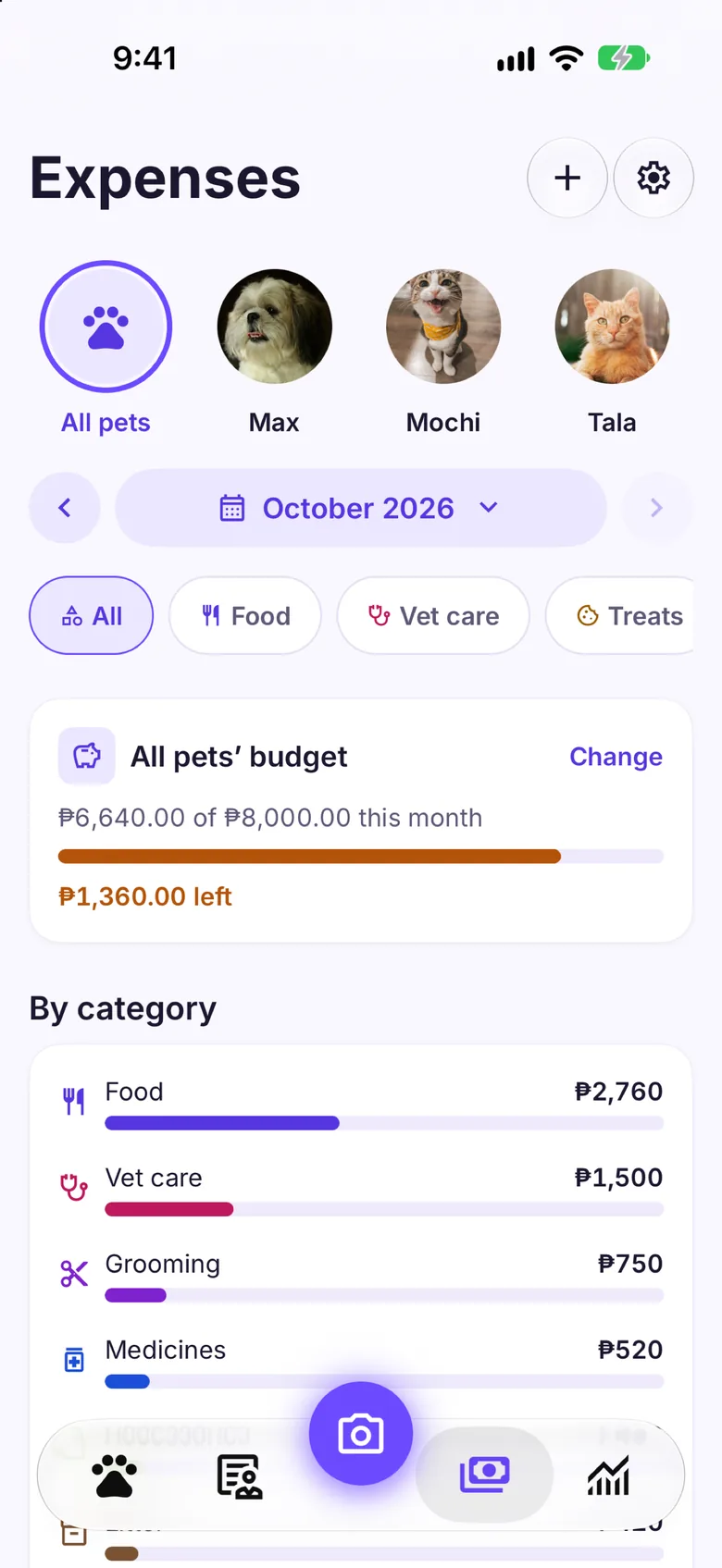
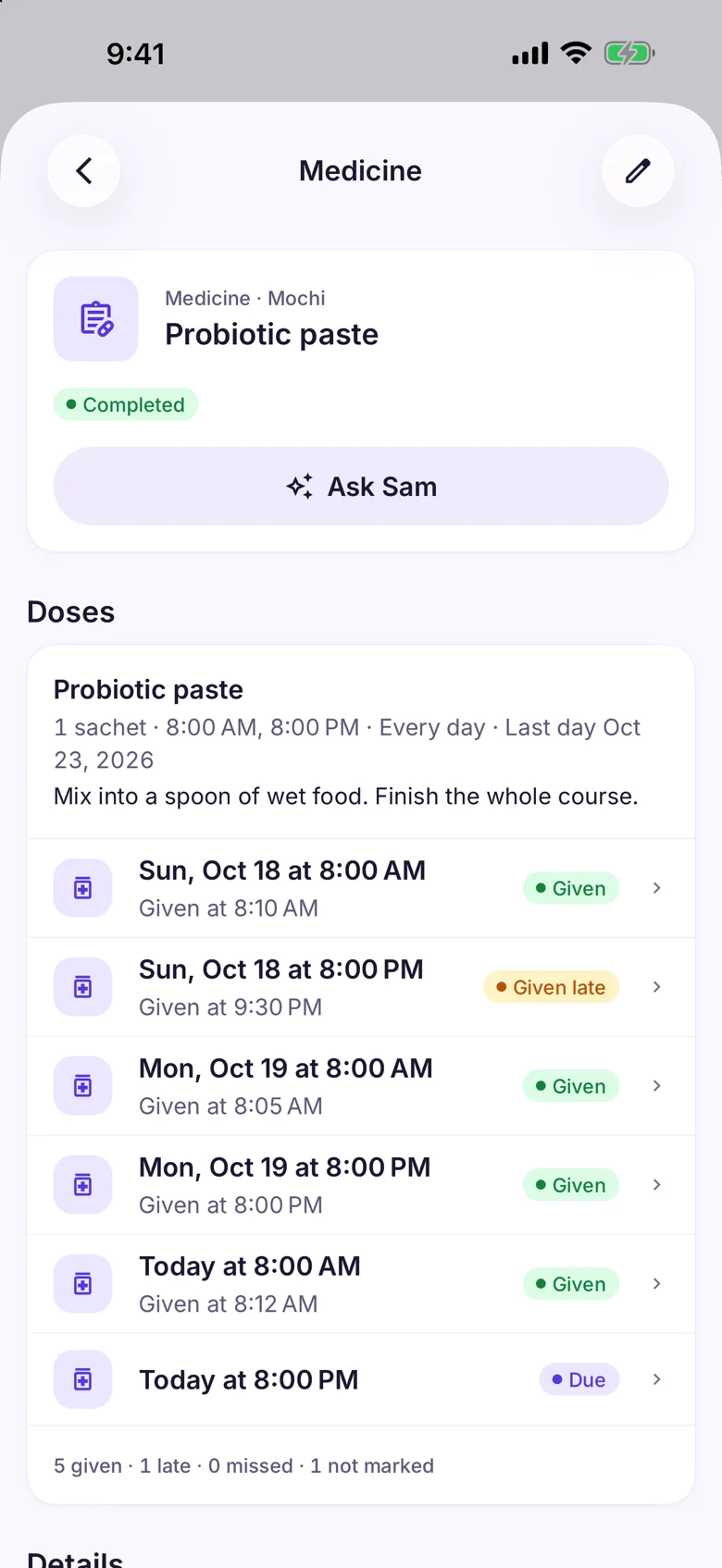
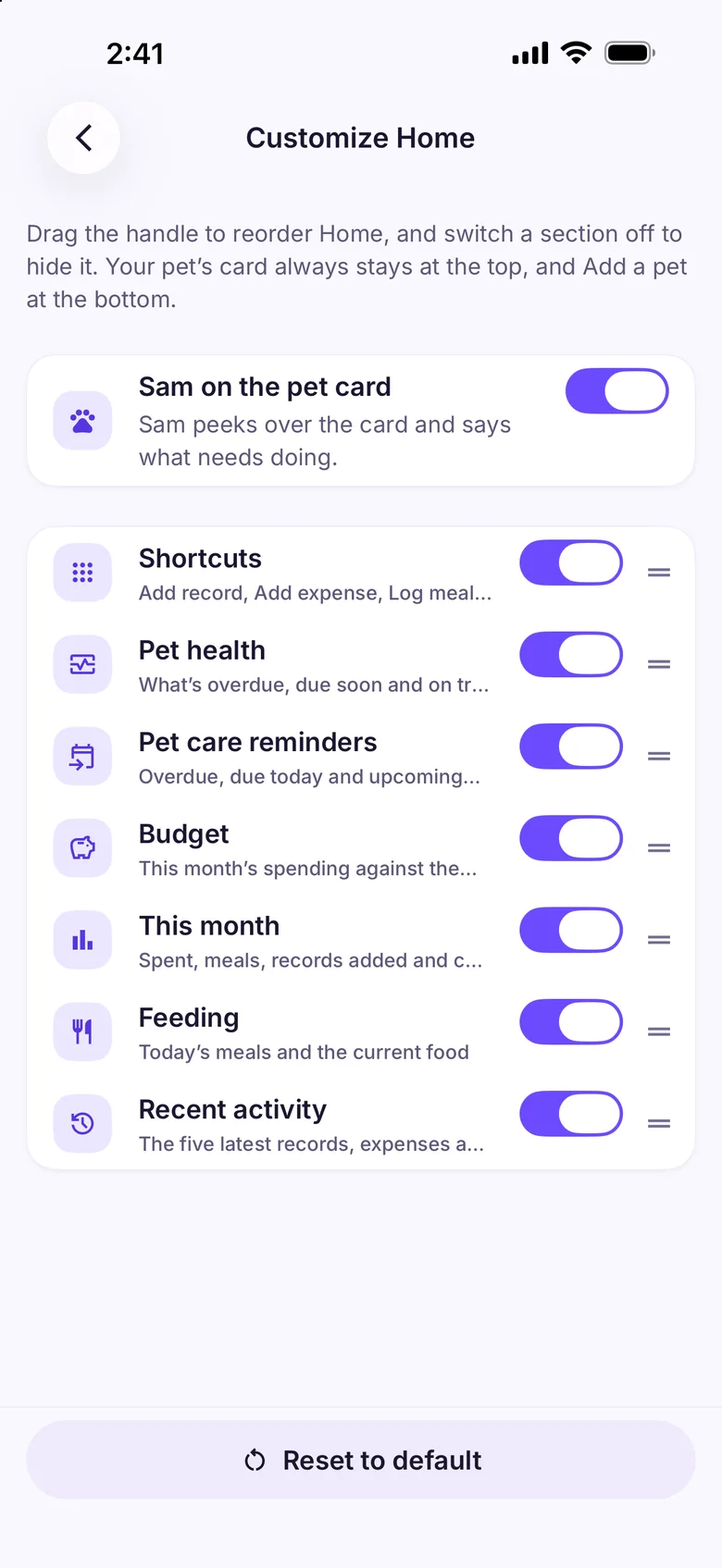
Walks (recording, the history, every route on a map, goals, an energy estimate for dogs, Sam’s walking coach, and logging and starting a walk from your Apple Watch), medicine doses (a dose schedule, a reminder at each dose, and each dose marked given, late or missed), the Journal, Siri and Shortcuts voice actions (the app icon’s touch-and-hold menu and the widgets stay free) and the lost-pet poster. Pro also adds unlimited pets (2 on Free), unlimited Sam chats (fair use) instead of 3 new chats a day, photo checks (a health concern, a breed, a medicine’s or vaccine’s label), full Reports for any period with health, routines and feeding, and PDF and CSV exports (this month’s report is free), the vet summary as a PDF, a budget for each pet, your own Home layout, a backup file you save yourself, and starting a family to share your pets with the people you live with (joining one is free). Pro is a monthly or yearly subscription that starts with a 14-day free trial; the price is shown in the app before you subscribe, and you can cancel any time in the App Store or Google Play. If Pro ends, nothing you recorded is deleted: these features and pets past your first two lock, and everything is there again when Pro is.
Can Pawfetti remind me to feed my pet?
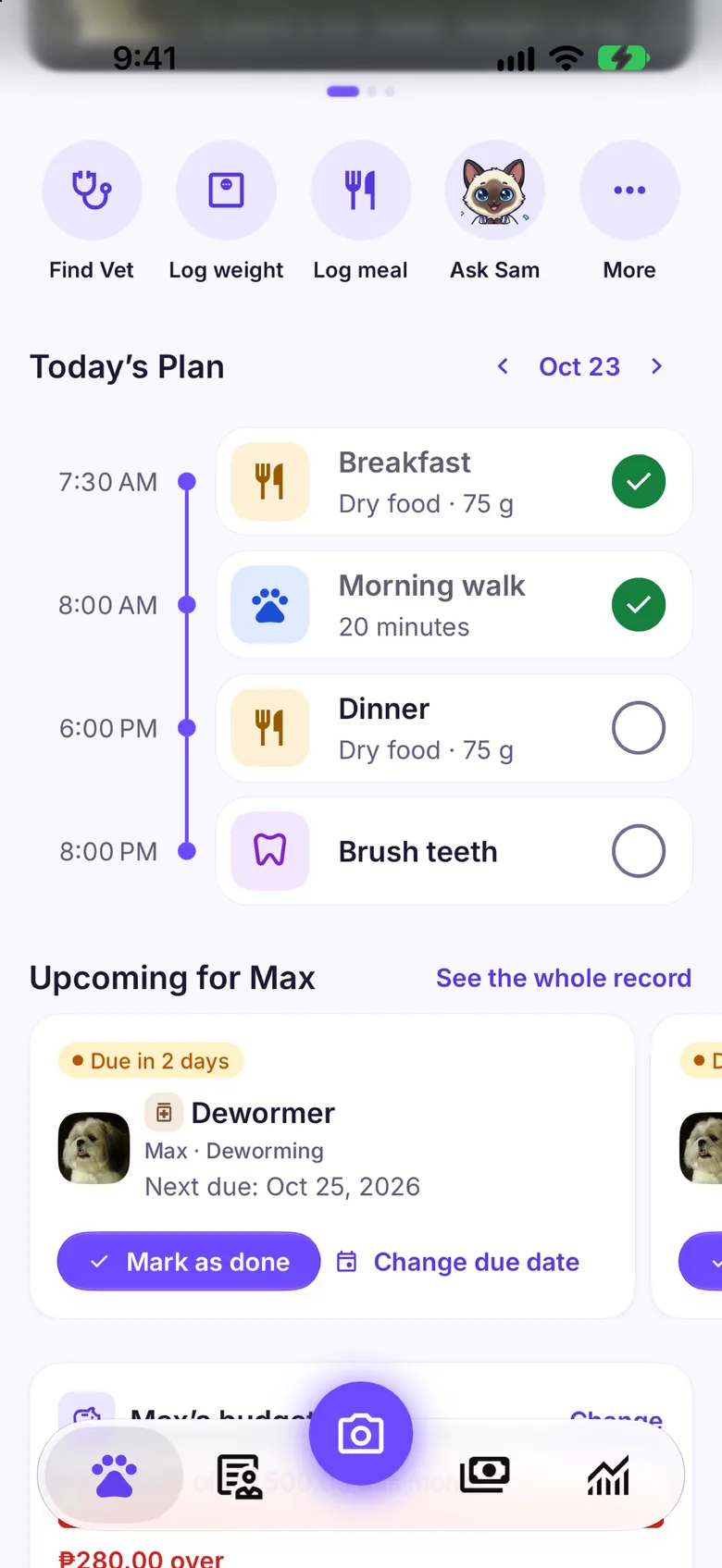
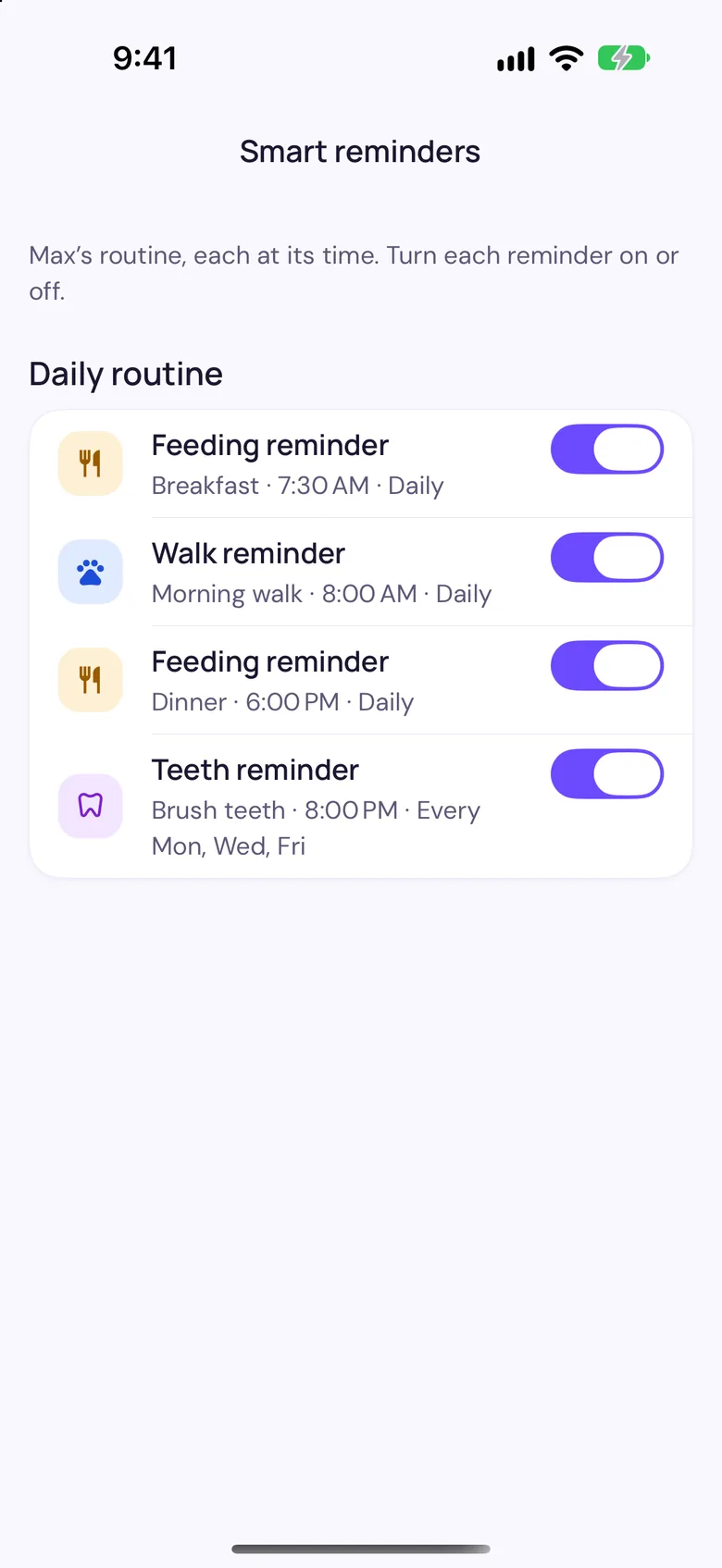
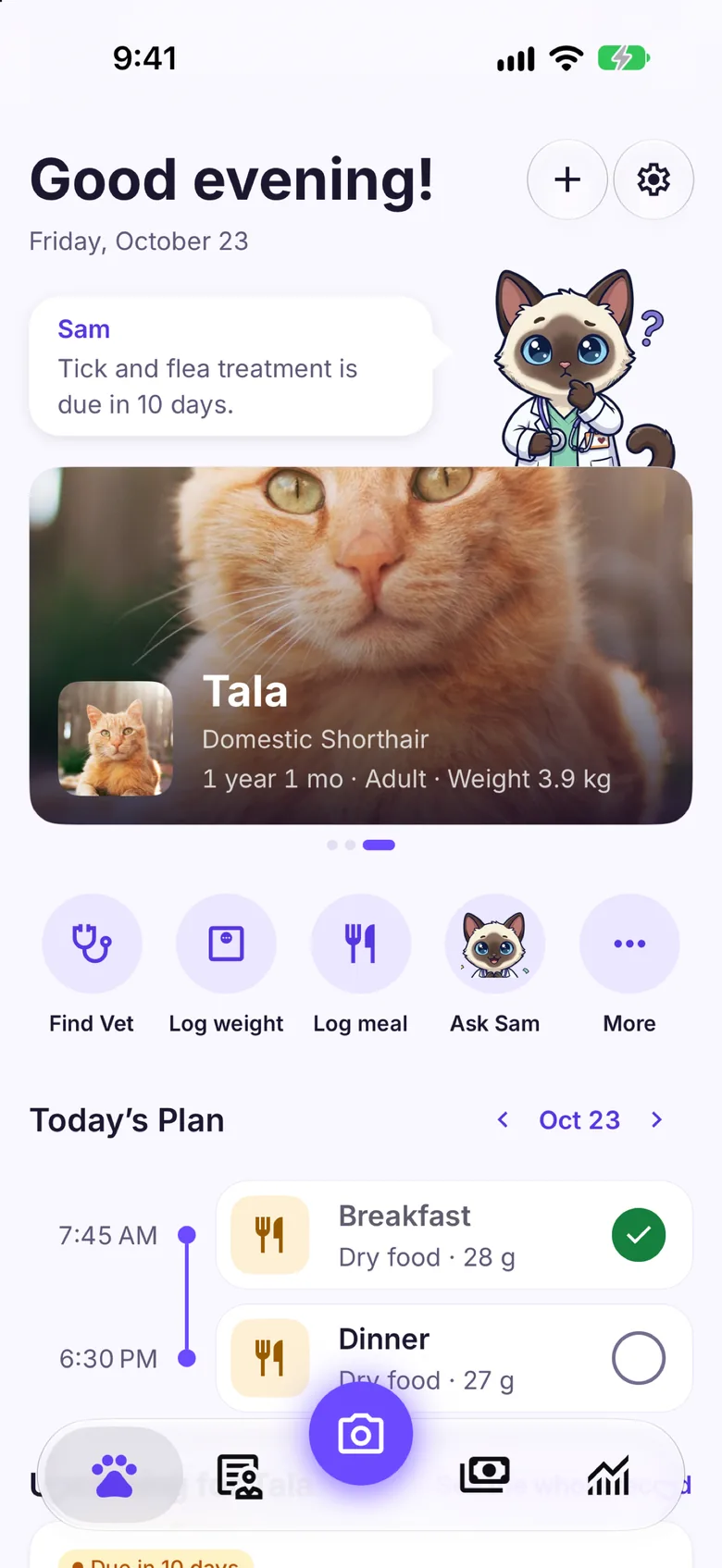
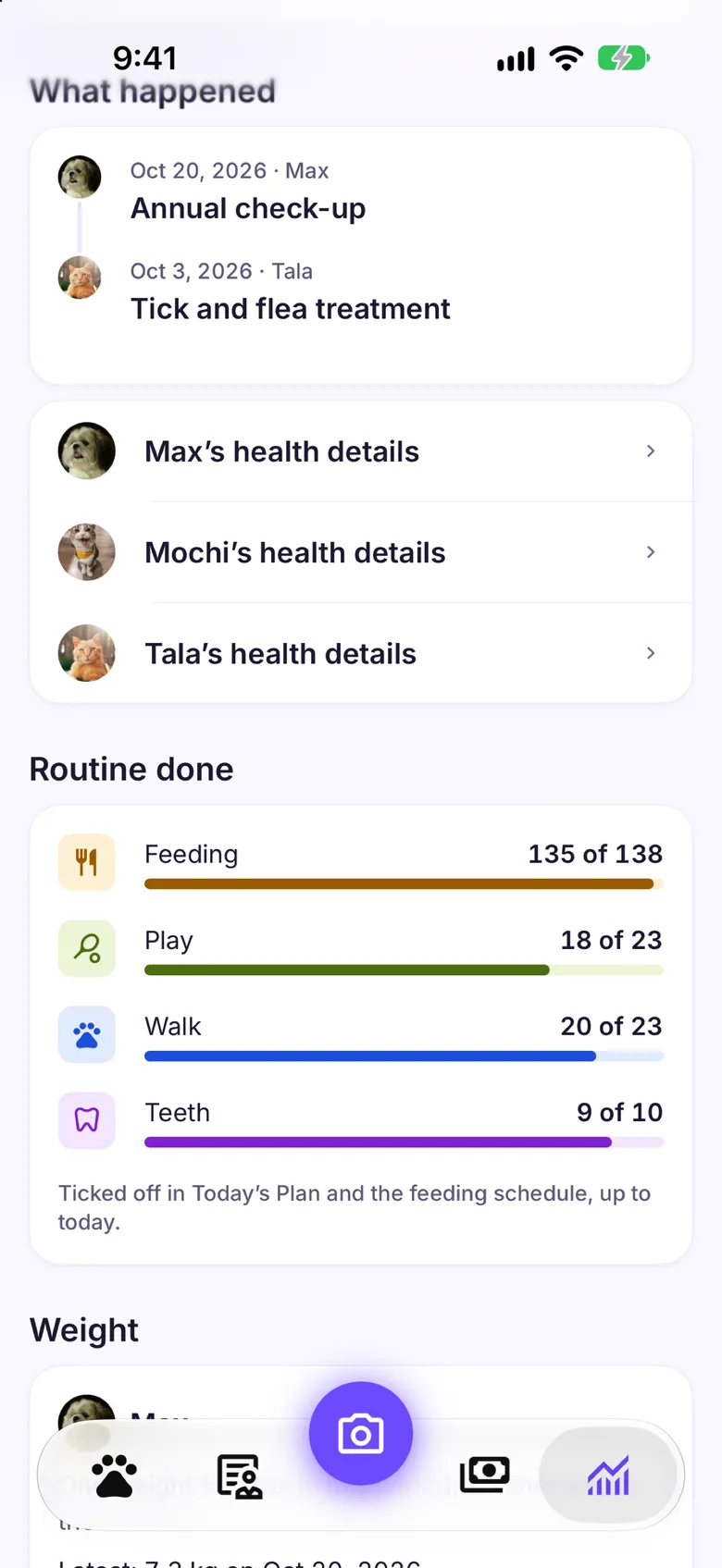
Yes, free. Add each pet’s meal times in the Feeding Tracker’s feeding schedule, pick the days, and Pawfetti sends a notification at each time, every day or on the days you chose, even when the app is closed. Tick a meal off in Today’s Plan when it’s done; logging what they actually ate stays a separate step, so the food log is never guessed. The daily routine also covers other care, like a play session, training or brushing teeth, with its own reminders; medicine items in the routine are part of Pro with Medicine doses.
Does Pawfetti have Home Screen widgets?
Yes: a Pet widget with your pet’s photo, weight and the next care due, an Upcoming care widget with what’s overdue or due soon across your pets, and Quick actions to add a record or schedule, log a meal, log an expense or ask Sam. They read what’s on your phone, so they work offline, and a pet locked on Free never shows on one.
How do walks work?
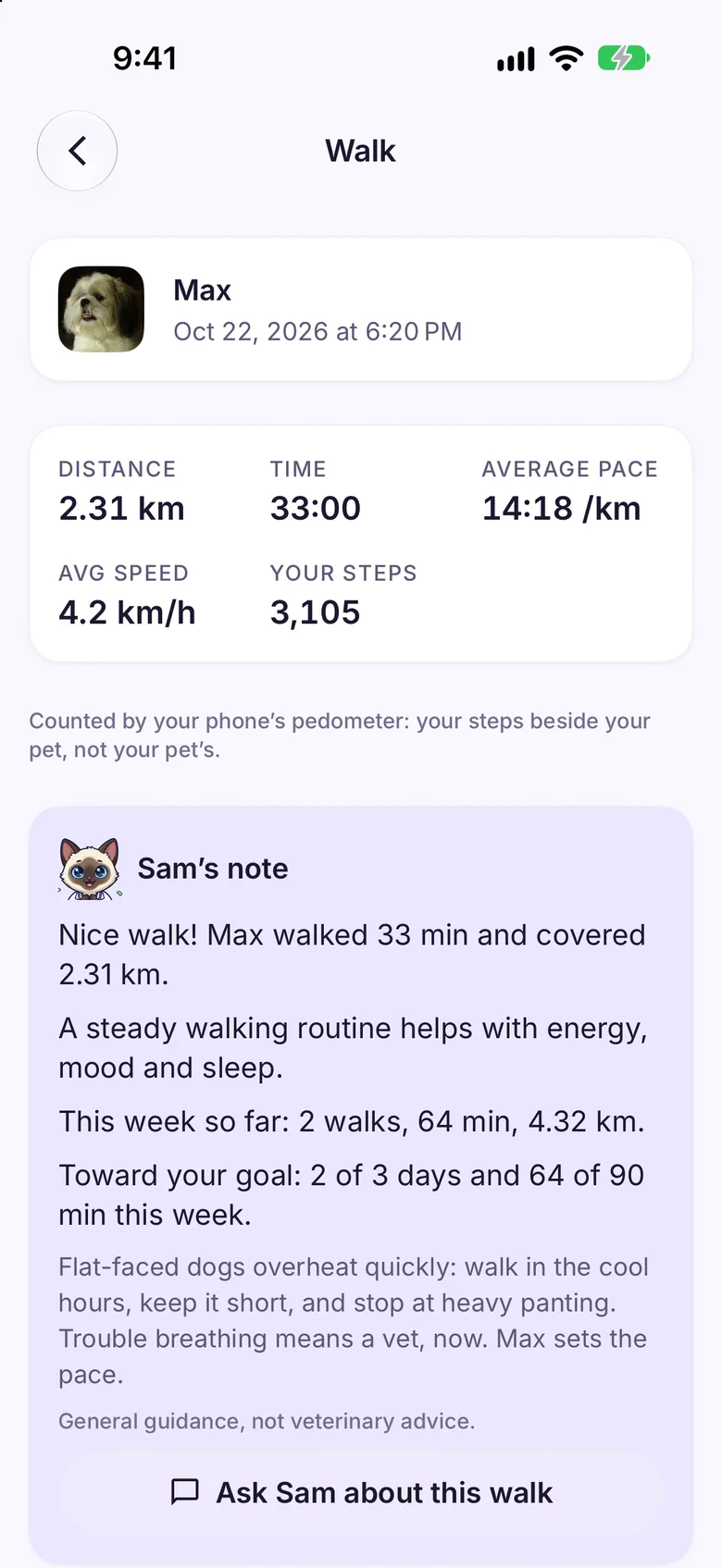
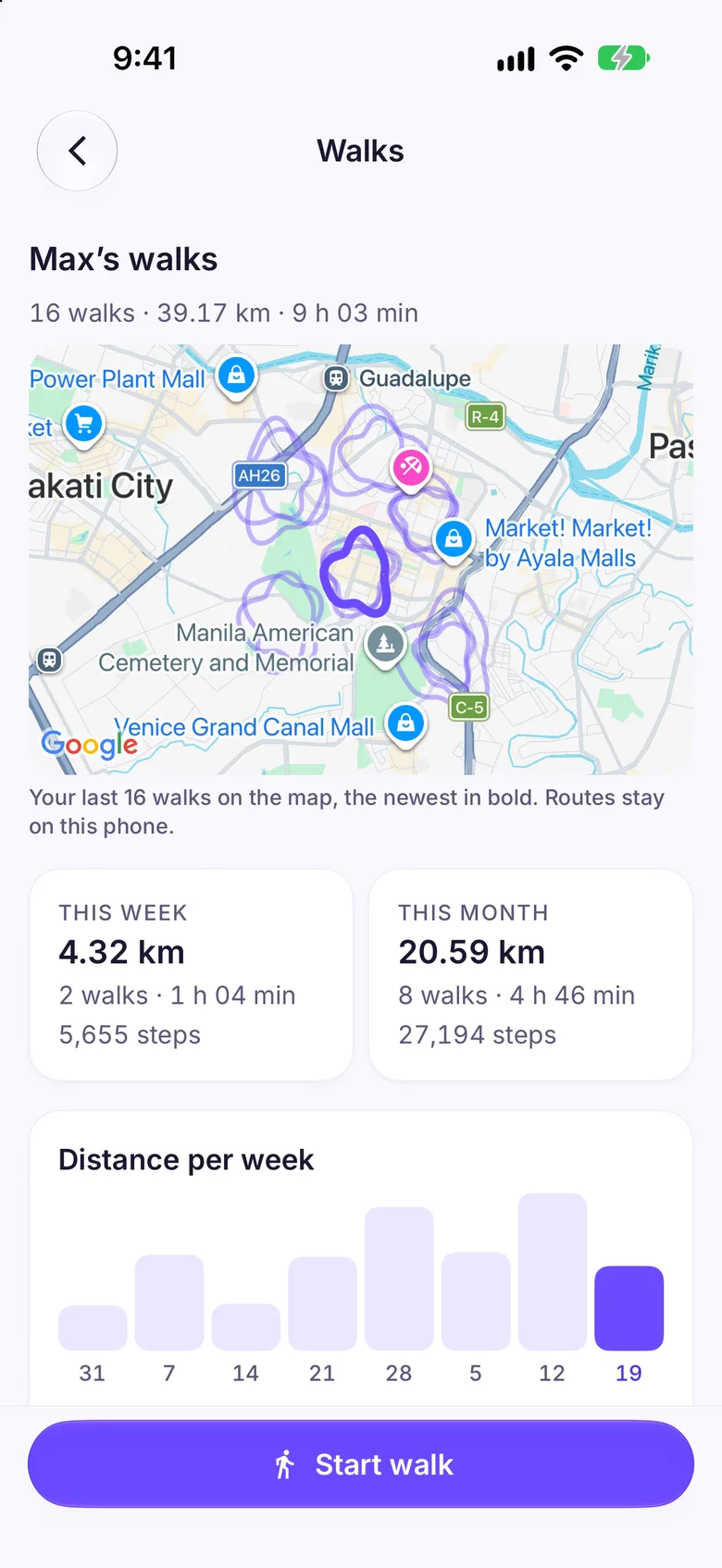
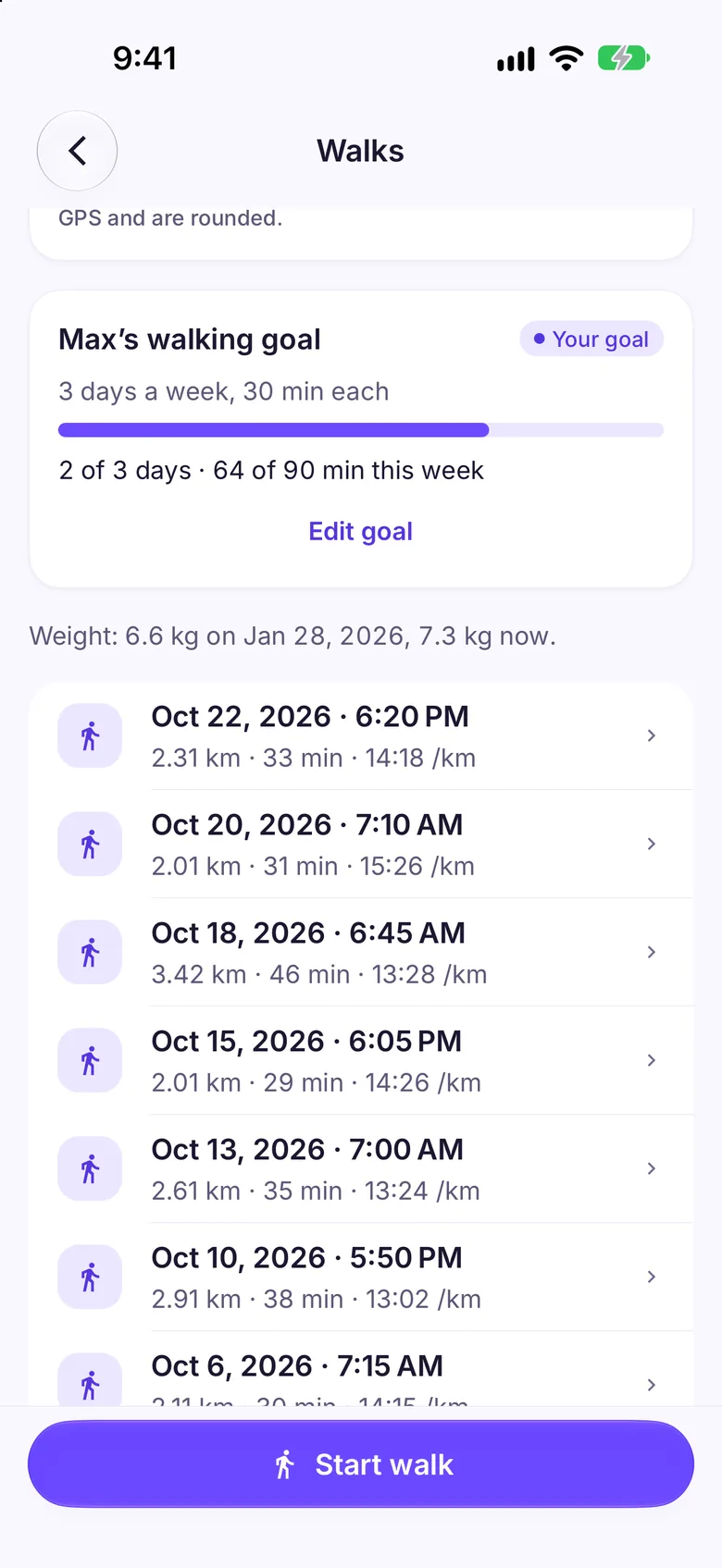
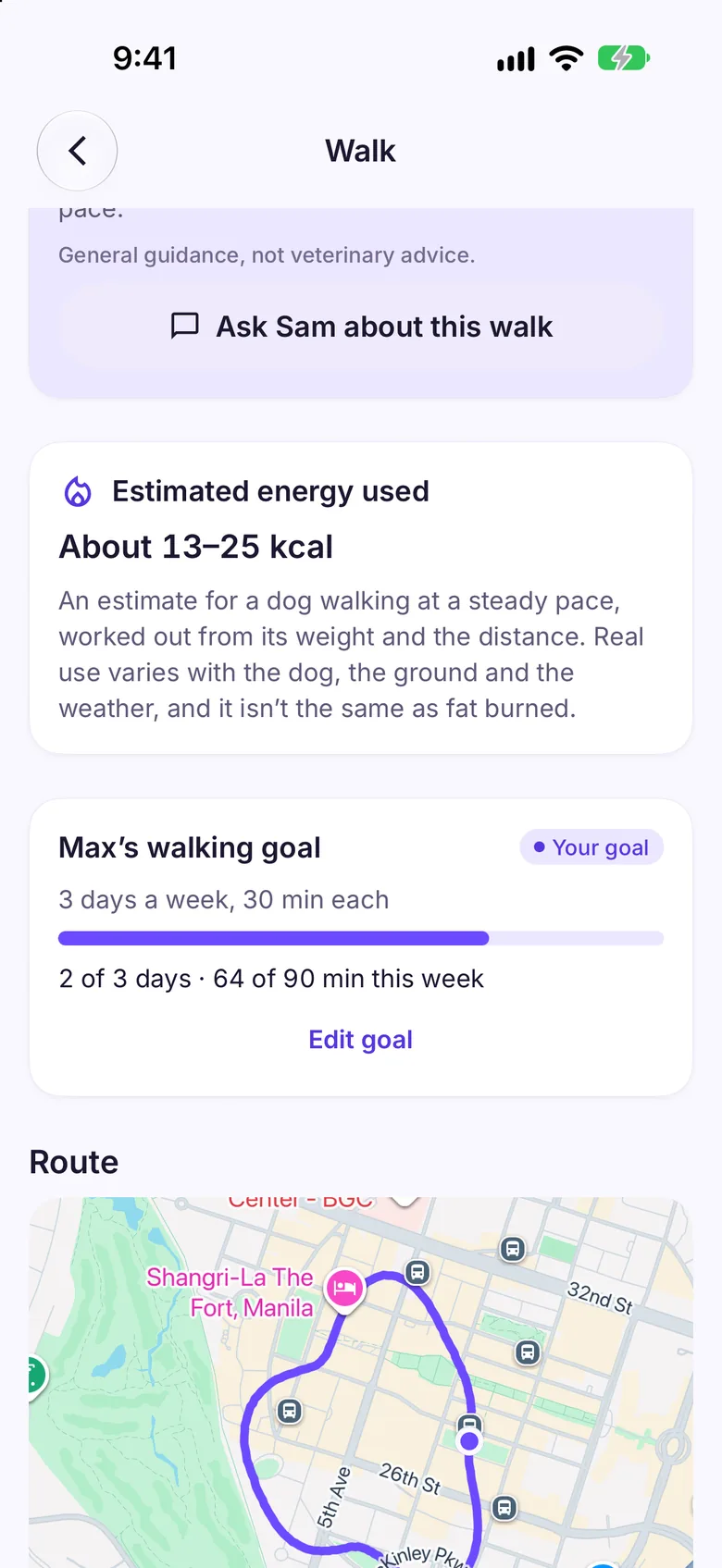
Walks are part of Pawfetti Pro. Open a pet’s Walks from their profile or Home’s More menu, pick who is walking and tap Start walk. Pawfetti measures the walk with your phone’s GPS (time, distance, pace and the route it drew), counts your own steps with the phone’s step counter, and keeps the walk with that pet. When you end it you get a summary with the route on a map and a short note from Sam, written on your phone. Pro includes the walks list, every route, this week’s and this month’s totals, Home’s Walks card, distance per week, a map of every route, a walking goal for each pet, an energy estimate for dogs and Sam’s walking coach. If Pro ends, a walk you’re already recording can still be ended and saved, and every walk you recorded stays on your phone, hidden until Pro is on again.
Who can see my walking routes?
Only you. A walk’s route is stored on your phone, and in your own backup if you turn backups on. It isn’t shared with a family you start or join, and it’s never sent to us. Location is used only while you walk, with your permission. If you’re on Pro and ask Sam about walks, Sam is told each recent walk’s date, distance and time, your goal and the energy estimate, never the route or where you walked. The map behind a route is drawn by Google Maps on your phone.
What does the energy estimate mean?
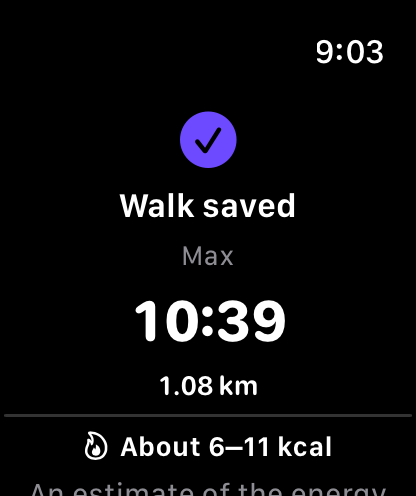
A rough range for dogs only, worked out from the dog’s recorded weight and the walk’s distance at a steady walking pace (about 1.1 kcal per kg per km, from the 2014 AAHA weight management guidelines), shown as 30% either side. It is not fat burned and never a feeding amount; cats get no estimate, and a dog needs a weight recorded in the last six months. Walking goals are your own choice, and Pawfetti’s suggestion is general guidance, not veterinary advice.
What does the Apple Watch app do?
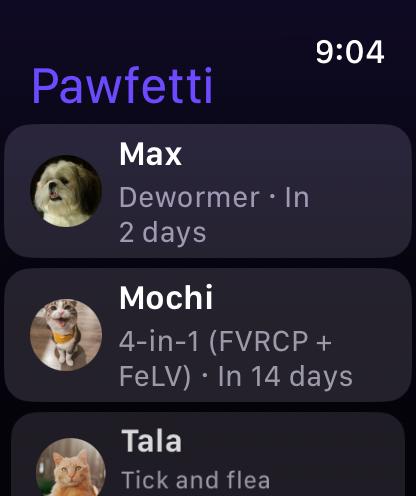
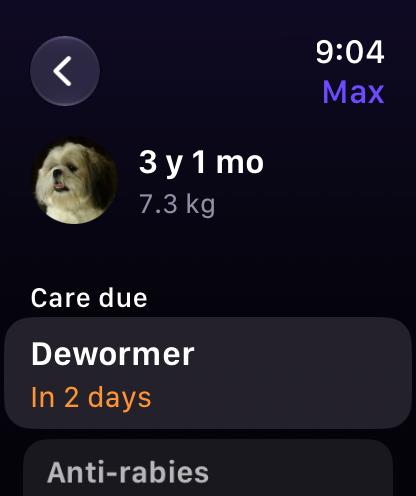
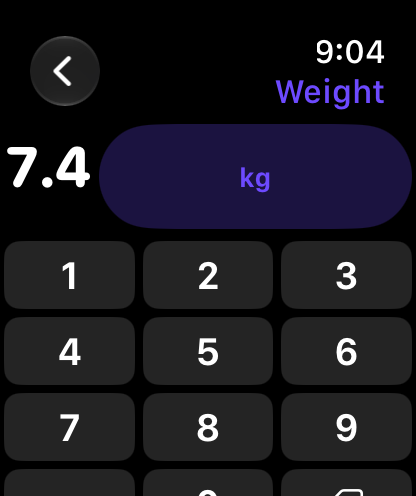
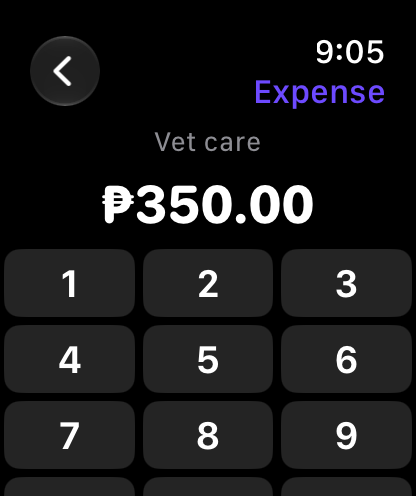
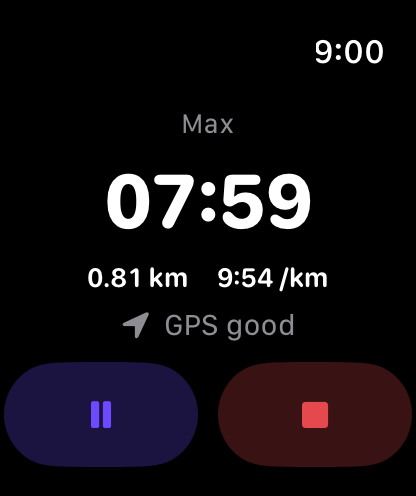
Your wrist shows each pet’s care due next, today’s routine and a summary (photo, age and weight), and is free to look at. With Pro you can also log a weight, a meal, an expense, care done or a routine item from your wrist, typing numbers on a keypad, and pick a pet and start a walk: the watch records it with its own GPS, so you can leave the iPhone behind, and shows the time, distance and your steps. It taps your wrist at each kilometer or mile and hands the finished walk to your iPhone when they’re near. You can pause, resume or end a watch walk from the iPhone too. The summary on the watch shows the energy estimate, your goal’s progress and a line from Sam, and a complication and a Smart Stack widget are included. Nothing goes to Health unless you switch on Save walks to Health, which saves each finished walk as a walking workout with its route; Pawfetti never reads your Health data. Seeing your pets’ care on the watch is free; logging from the watch and starting a walk from it are part of Pro, like Walks on the iPhone (a walk already recording can always be ended, and what you logged from the watch while on Pro stays on your iPhone if Pro ends).
Does Pawfetti work on iPhone Duo?
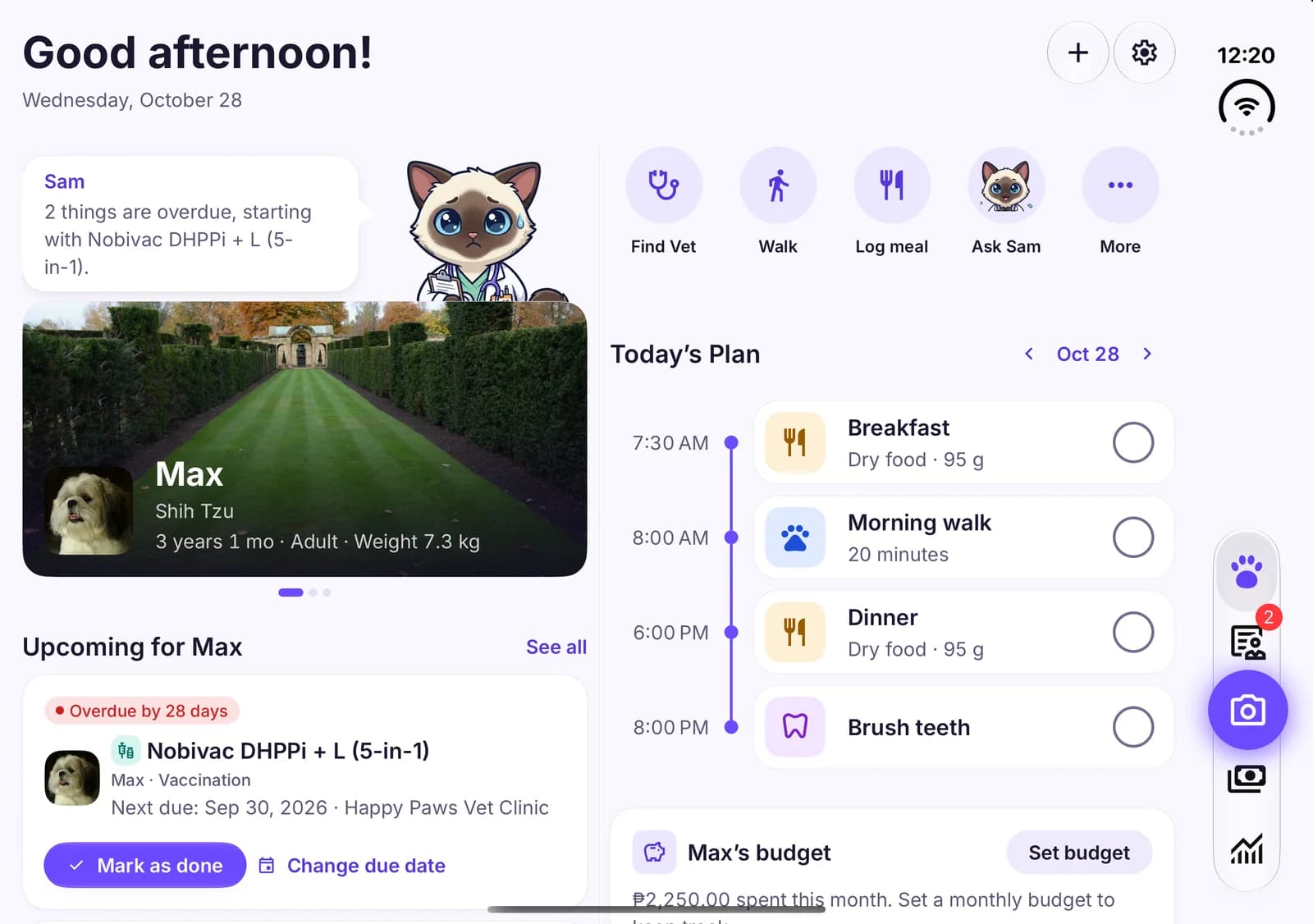
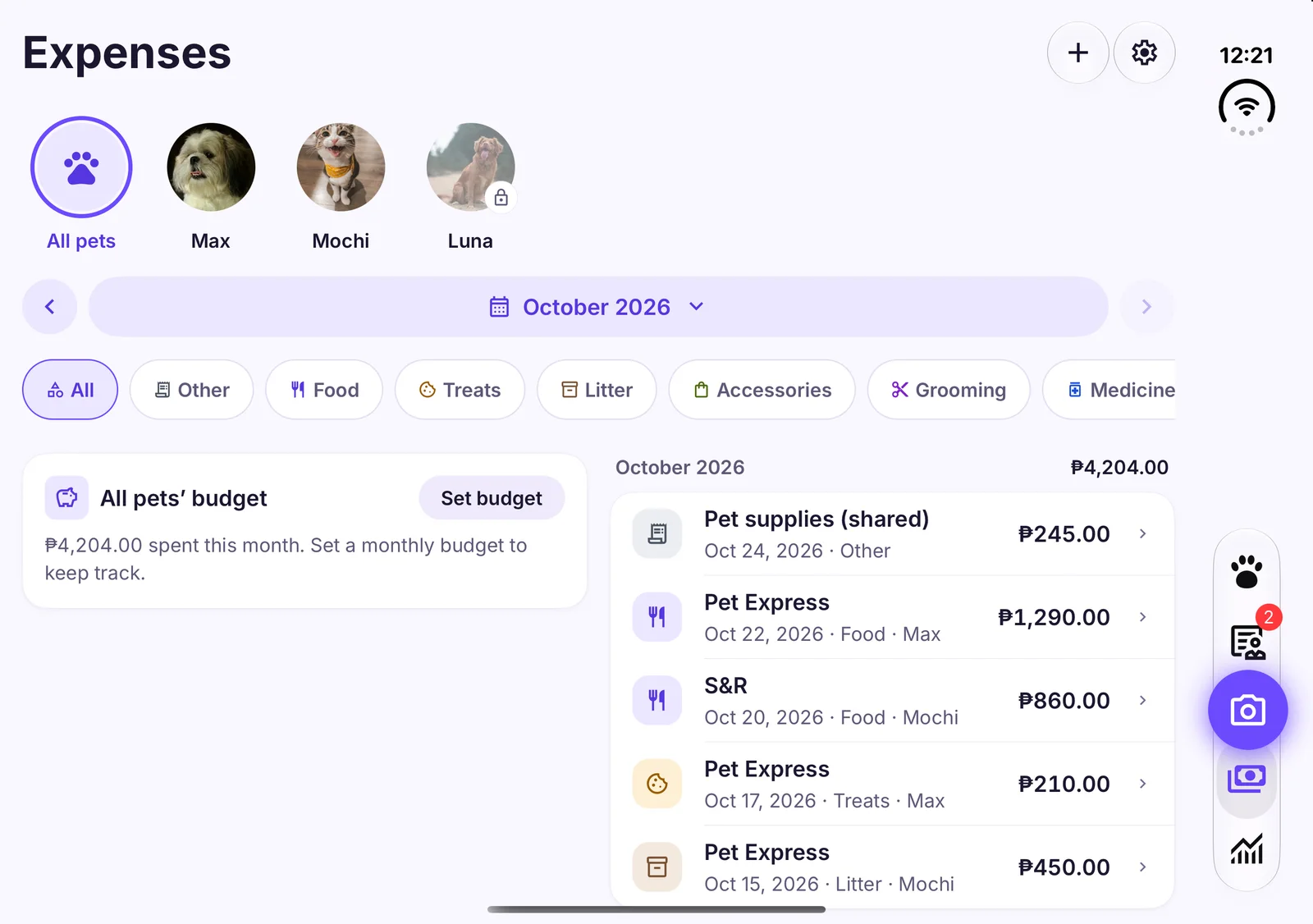
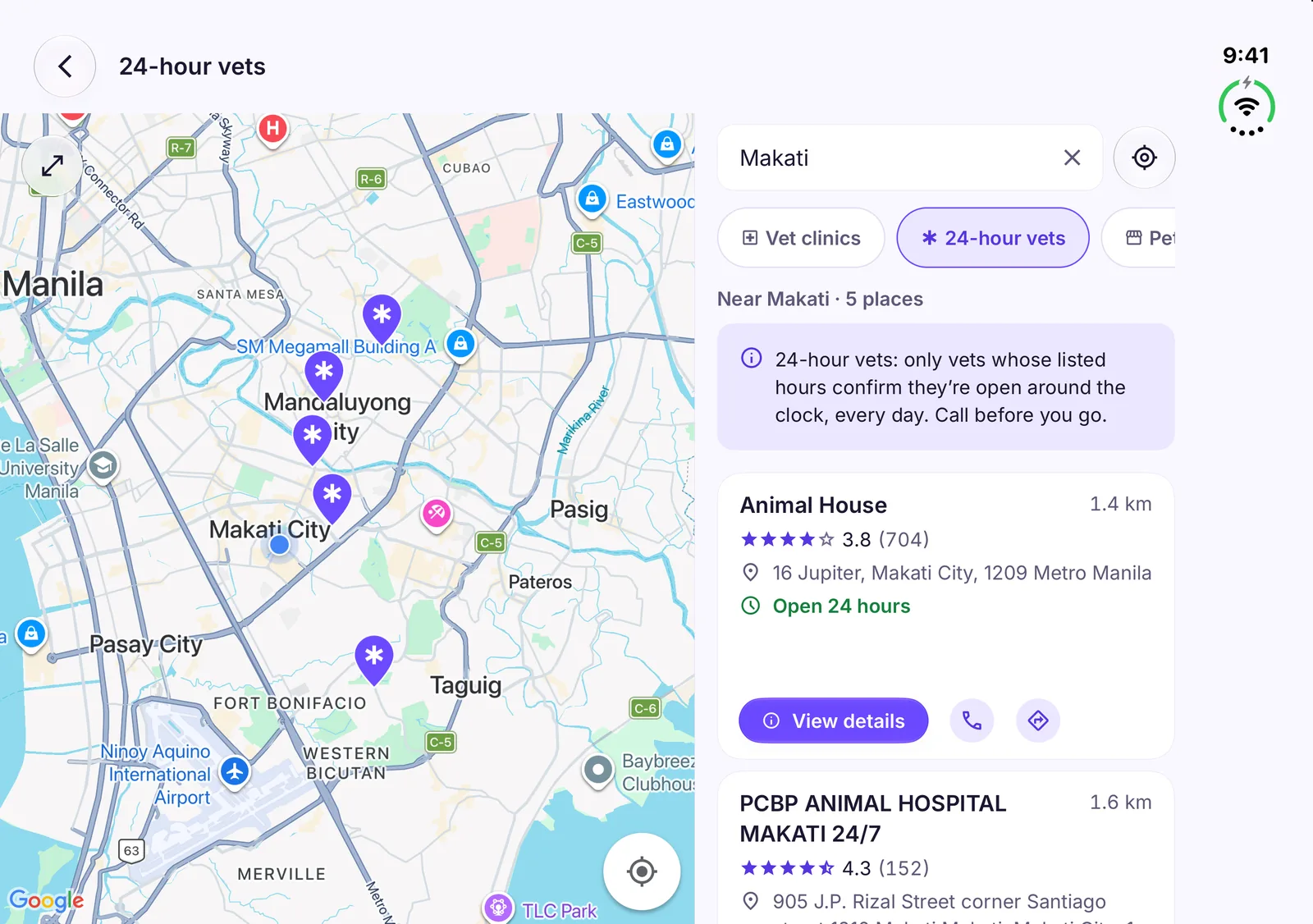
Yes. Pawfetti follows the system’s bars on iPhone Duo and lays out for the screen you have. Opened flat, Home shows the pet you’re on as a two-column dashboard (the pet card with Sam and what’s due beside the shortcuts, Today’s Plan and the budget), Reports and Expenses use two columns, Find a Vet puts the map beside the list, and the scanner’s camera controls stay centered, clear of the side bars; on the outer display it uses the same layout as other iPhones.
When can I download it?
On iPhone, Pawfetti is on the App Store now: tap the App Store badge on this page. Google Play comes next, and its badge links to the listing as soon as it’s live.